Tiger Touch · OctoPrint
Tiger Touch for OctoPrint 3D printers
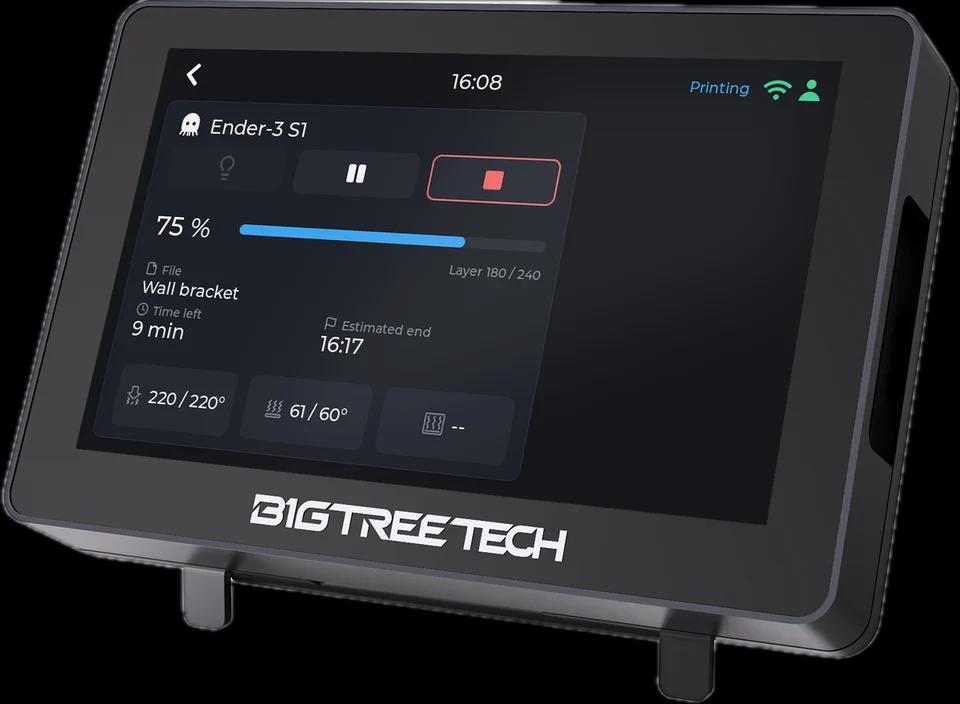
Tiger Touch turns a BIGTREETECH Panda Touch or K-Touch into a live screen for a printer behind OctoPrint: progress, time left and temperatures, for any Marlin printer.
What it shows
- State, progress, time left and the file being printed
- Nozzle and bed temperatures
- When no printer is plugged into OctoPrint, the card says so instead of showing it offline
From the screen
Pause, resume and stop through OctoPrint; stop asks for a confirmation first. OctoPrint has no light command, so the light button stays dimmed.
How it connects
OctoPrint's REST API over HTTP on your local network (port 80 unless you give another), read every 2 seconds, with its API key.
Tested on real printers
Run against Tiger Studio Manager's OctoPrint test server: printing, paused, finished, errors and no printer plugged in. Not yet on a real printer.
Set it up in three steps
- 1
Create an API key in OctoPrint (Settings > Application keys).
- 2
Add the printer in Tiger Studio Manager (desktop app) with OctoPrint's address and key.
- 3
Flash Tiger Touch, sign in with the same TigerSystem account, and switch the printer on in Settings > Printers.
Good to know
An OctoPi answers on port 80; write another port after the address if yours differs.
OctoPrint models named in the Tiger Touch docs
Any Marlin printer behind OctoPrint (Ender, Prusa MK3, Anet and more)
OctoPrint printers in TigerSystem (187)
 Anker M5
 Anker M5 All-Metal Hot End
 Anker M5C
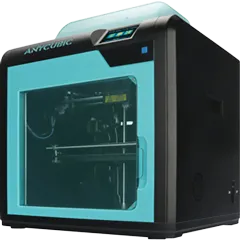 Anycubic 4Max Pro
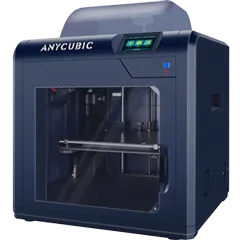 Anycubic 4Max Pro 2
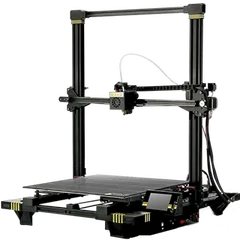 Anycubic Chiron
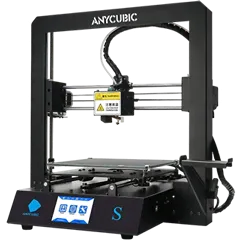 Anycubic i3 Mega S
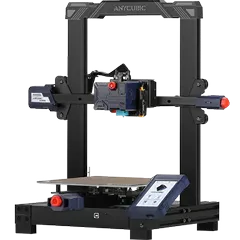 Anycubic Kobra
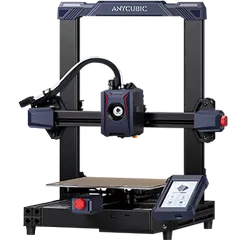 Anycubic Kobra 2
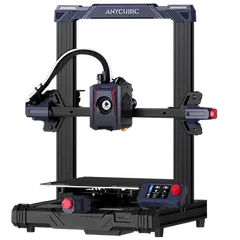 Anycubic Kobra 2 Neo
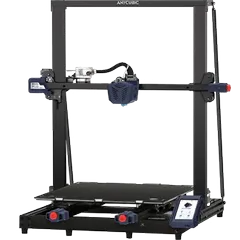 Anycubic Kobra Max
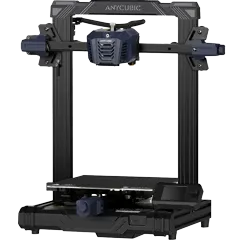 Anycubic Kobra Neo
Questions about OctoPrint
Which printers work through OctoPrint?
Any printer OctoPrint drives, most of them on Marlin: Ender, Prusa MK3, Anet and more.
Do I need an API key?
Yes: create one in OctoPrint and add it in Tiger Studio Manager.
Can it switch the light?
No: OctoPrint has no light command.
This page follows the Tiger Touch printer compatibility notes on GitHub.