TigerPOD
A CD player, for spools.
The TigerPOD is a 3D-printable stand that reads and writes the NFC chips on a filament spool: drop the spool on it and your computer knows exactly what it is — or writes both of its chips in one shot. Open electronics, easy and cheap — build it yourself, zero skills needed. And if you'd rather unbox than build, there's a branded kit for makers.
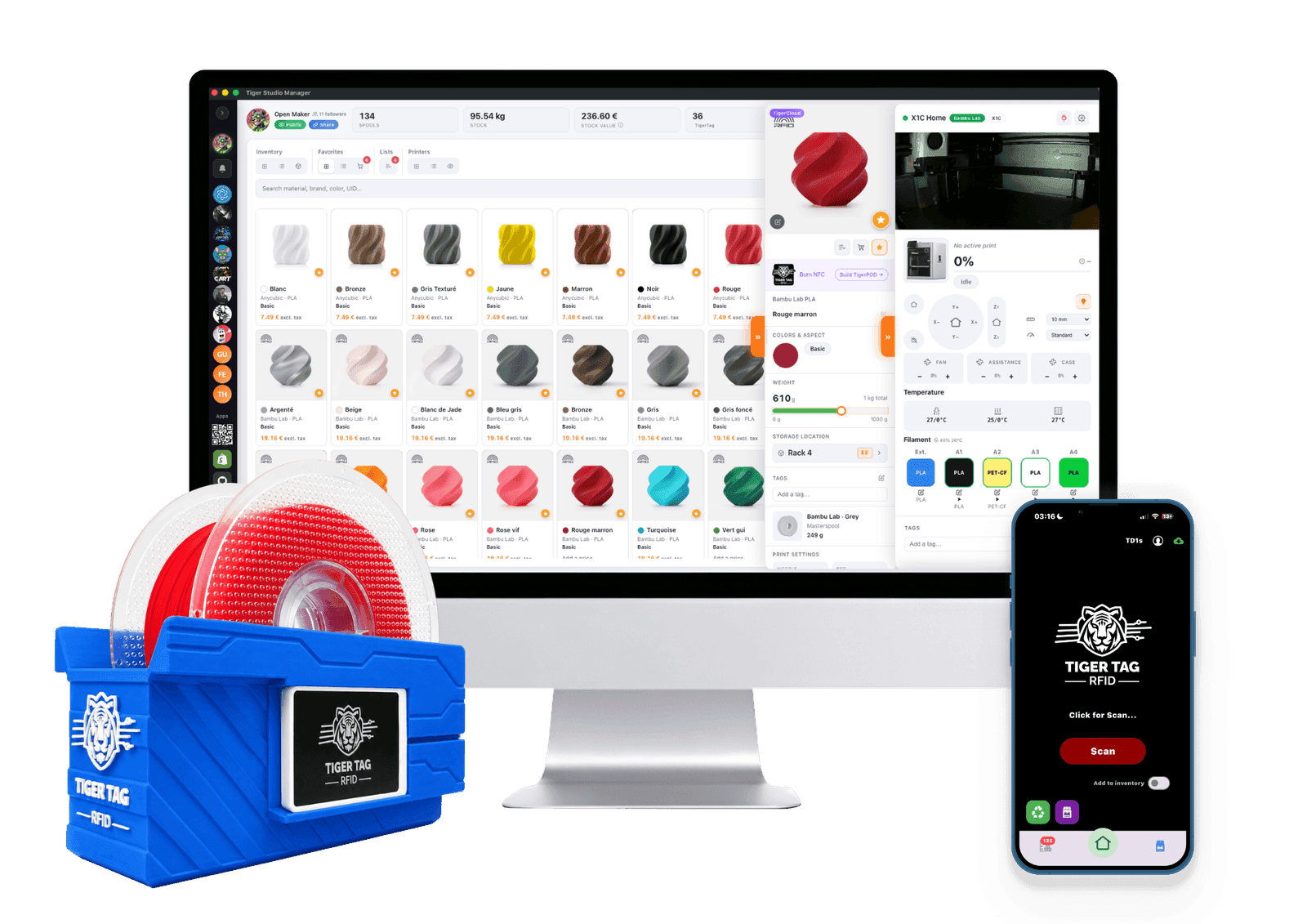
Why you'd want one
Burning a chip works fine with a bare reader on a desk. The Pod makes the gesture comfortable — and burns two at once.
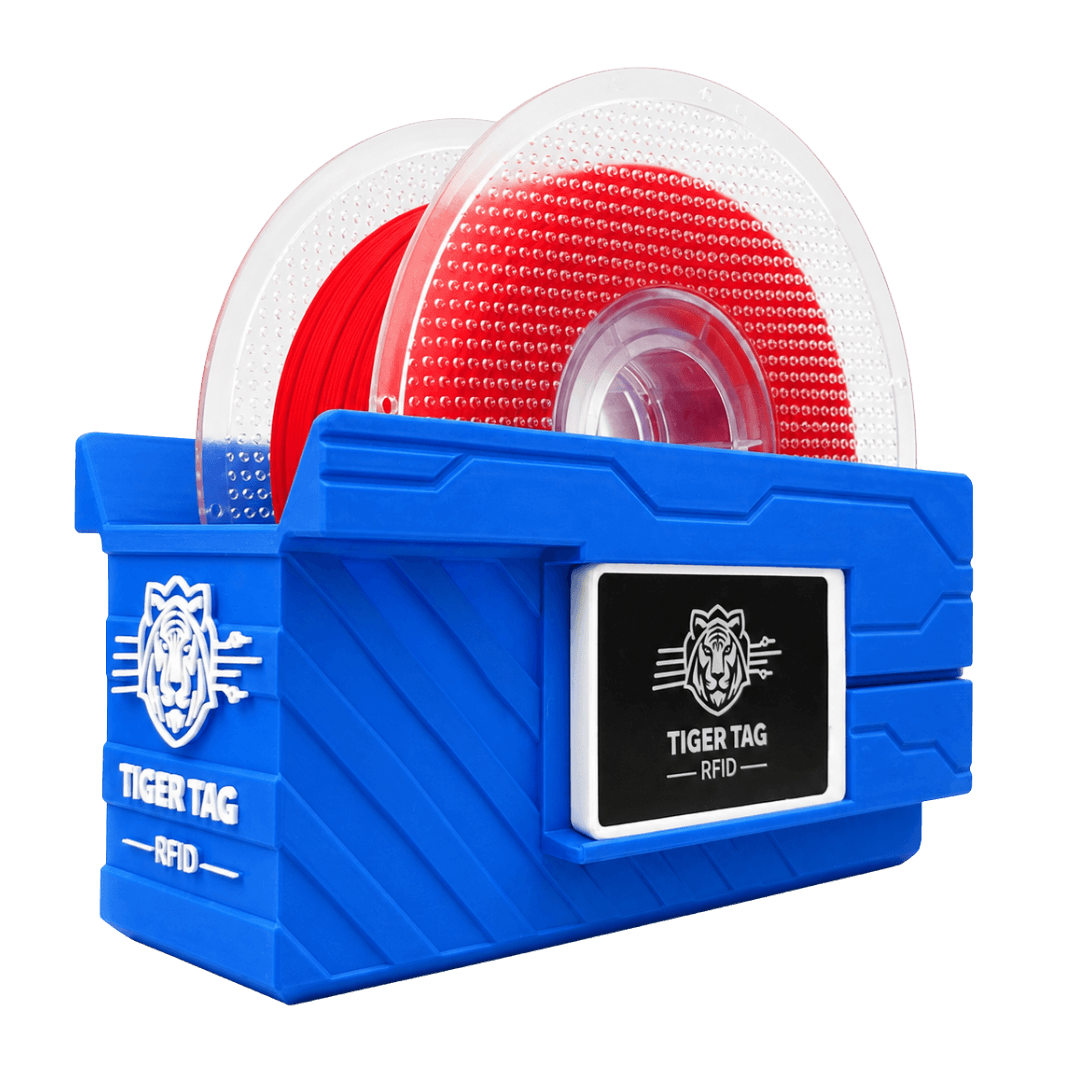
Both chips, one shot
Two readers, one on each side: both twin chips written together — identical data, paired automatically. No juggling, no half-written chips.
Rock-steady reads
The cradle keeps the spool centred and motionless on the readers. NFC sessions that never flake.
Open by design
Standard ACR122U-compatible readers, bought anywhere — the same ones the kit ships with. No proprietary hardware, no house-brand cassette: cardboard and refill cores go on it too.
Up and running in three steps
Easy and cheap on purpose: one 3D file, printed without supports, and two off-the-shelf readers slid in. Plug, scan, write.
- 1
Print the shell
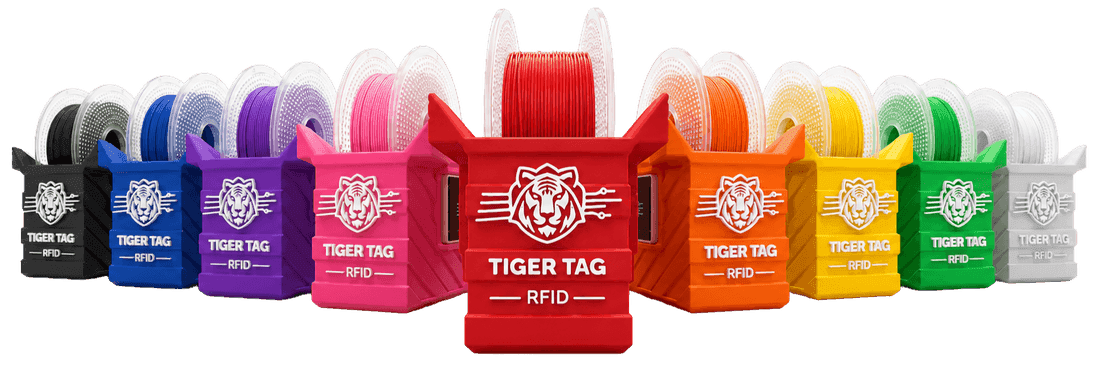
Any colour works and it prints without supports — the red Tiger look is optional but iconic. Or skip the printing: the kit arrives ready.
- 2
Snap in the readers
Slide in one or two ACR122U-compatible USB readers — commodity hardware, from anywhere. Two means both twin chips in one go.
- 3
Drop a spool and write
Pick the product from the catalogue in Tiger Studio, hit Write — done. The spool now introduces itself to every app.
Why two chips per spool?
Twin Tags: the same data on both sides, paired by a shared ID. Three good reasons.
Redundancy
One chip damaged, dirty or unreadable? Its twin still describes the spool. Filament never goes blind.
Read from either side
Reader, scale or Pod grabs whichever chip is closest. No flipping the spool around.
Recognised as a pair
Every TigerTag-aware app detects the twins by their shared ID and treats them as one spool.
And none of it is required
The apps work with zero hardware — add spools by hand, drive your printers, share your inventory, today. Chips upgrade the experience to fully automatic; they were never the price of entry. And when you do write them: any NTAG 213, 215 or 216, erasable and rewritable forever.
Start with the free app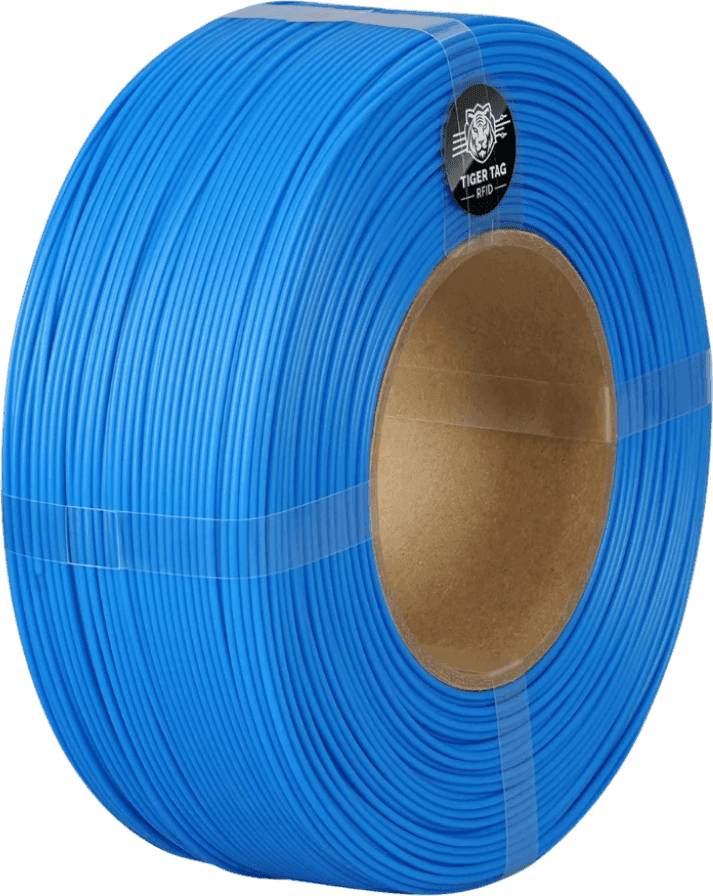
Quick answers
Do I need a TigerPOD to use TigerTag?
No. A phone reads tagged spools, and a single bare reader writes chips just fine. The Pod adds comfort — and the both-chips-in-one-shot trick.
Which readers fit the Pod?
Any ACR122U-compatible USB NFC reader — a commodity sold everywhere. It's the exact model we ship in the kit.
Can I print the Pod myself?
Yes — the file is free on MakerWorld, and any colour goes. The kit exists for those who'd rather unbox than print.
Which chips does it write?
Any NTAG 213, 215 or 216 — stickers or cards. They're erasable and rewritable, infinitely; chips already on partner-brand spools can be reused too.
What is a Twin Tag?
Two chips on one spool carrying the same data, paired by a shared ID. If one fails the other answers, and every app treats the pair as a single spool.
Free. No subscription. Works offline. Nothing locked in.
Get Tiger Studio on your desktop, and the app on your phone.