Tiger Touch · Elegoo
Tiger Touch for Elegoo 3D printers
Tiger Touch turns a BIGTREETECH Panda Touch or K-Touch into a live screen for your Elegoo Centauri Carbon: progress, temperatures and, on the Centauri Carbon 2, the Canvas filament system.
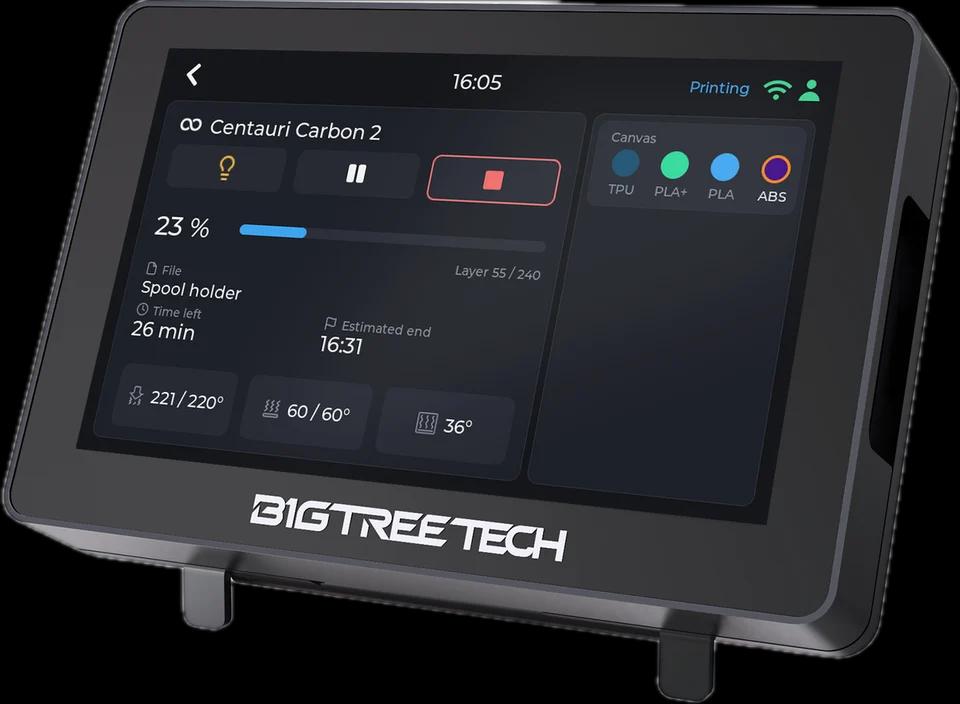
What it shows
- State, progress, layers, time left and the file being printed
- Nozzle, bed and chamber temperatures
- The Canvas slots of a Centauri Carbon 2 with material and colour
From the screen
Pause, resume and stop are sent with Elegoo's own commands; stop asks for a confirmation first. The light switches on a Centauri Carbon 2 (the Centauri Carbon has no light command).
How it connects
On your local network: MQTT for the Centauri Carbon 2 (port 1883), SDCP for the Centauri Carbon (discovery on UDP 3000, then WebSocket 3030).
Tested on real printers
Seen on real printers: a Centauri Carbon 2 and a Centauri Carbon, their state, progress and temperatures, pause, resume and stop, and the light on the Centauri Carbon 2.
Set it up in three steps
- 1
Add the printer in Tiger Studio Manager (desktop app): it finds it on your network.
- 2
Flash Tiger Touch, sign in with the same TigerSystem account.
- 3
Switch the printer on in Settings > Printers.
Good to know
Something looks wrong on your Centauri Carbon? An issue on GitHub with what the screen shows helps us fix it.
Elegoo models named in the Tiger Touch docs
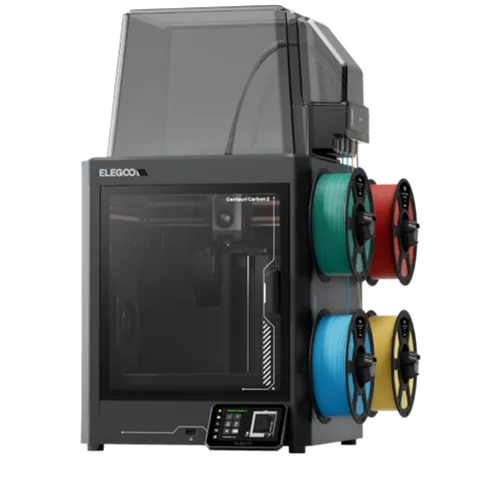
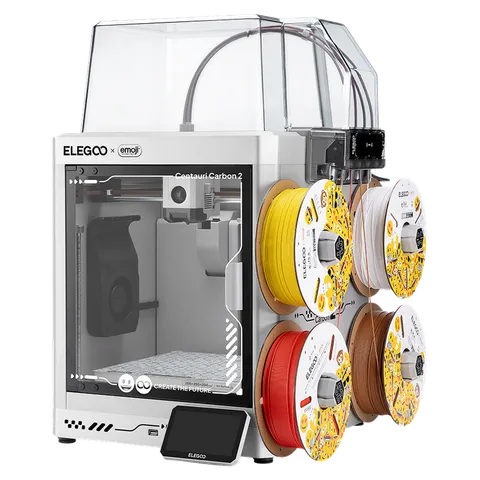
Centauri Carbon 2 (and Combo), Centauri 2 (and Combo), Centauri Carbon
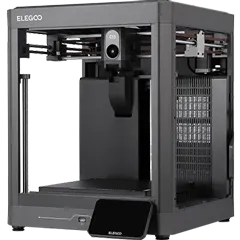
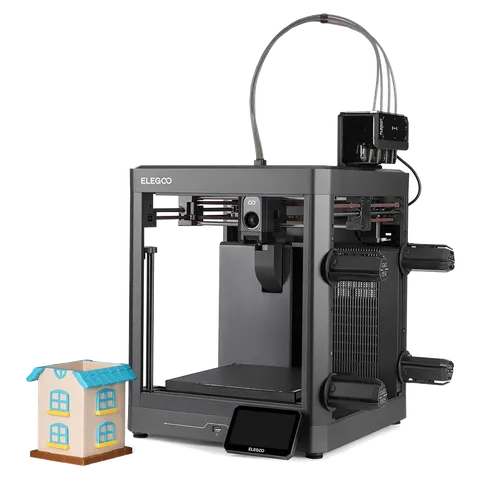
Elegoo printers in TigerSystem (5)
Questions about Elegoo
Is the Centauri Carbon supported?
Yes, both the Centauri Carbon (SDCP) and the Centauri Carbon 2 (MQTT), each seen on a real printer.
Does it need the Elegoo cloud?
No. Tiger Touch talks to the printer on your local network.
Does it show the Canvas?
On the Centauri Carbon 2, yes: its slots with material and colour.
What about the Neptune 4 and the OrangeStorm Giga?
They run Klipper with Moonraker, so Tiger Touch follows them through its Klipper connection: add them in Tiger Studio Manager as Klipper printers.
This page follows the Tiger Touch printer compatibility notes on GitHub.