Tap, hold, done
Tap a slot on the screen, hold the spool against the box. It all leaves for the printer the moment the chip is read: nothing to confirm.
TigerSpool
TigerSpool is a small touchscreen box that lives next to your printer. Tap a slot, hold a spool with a TigerTag chip against it, and the material, brand, colour and temperatures land in that slot: nothing to type, nothing to confirm.
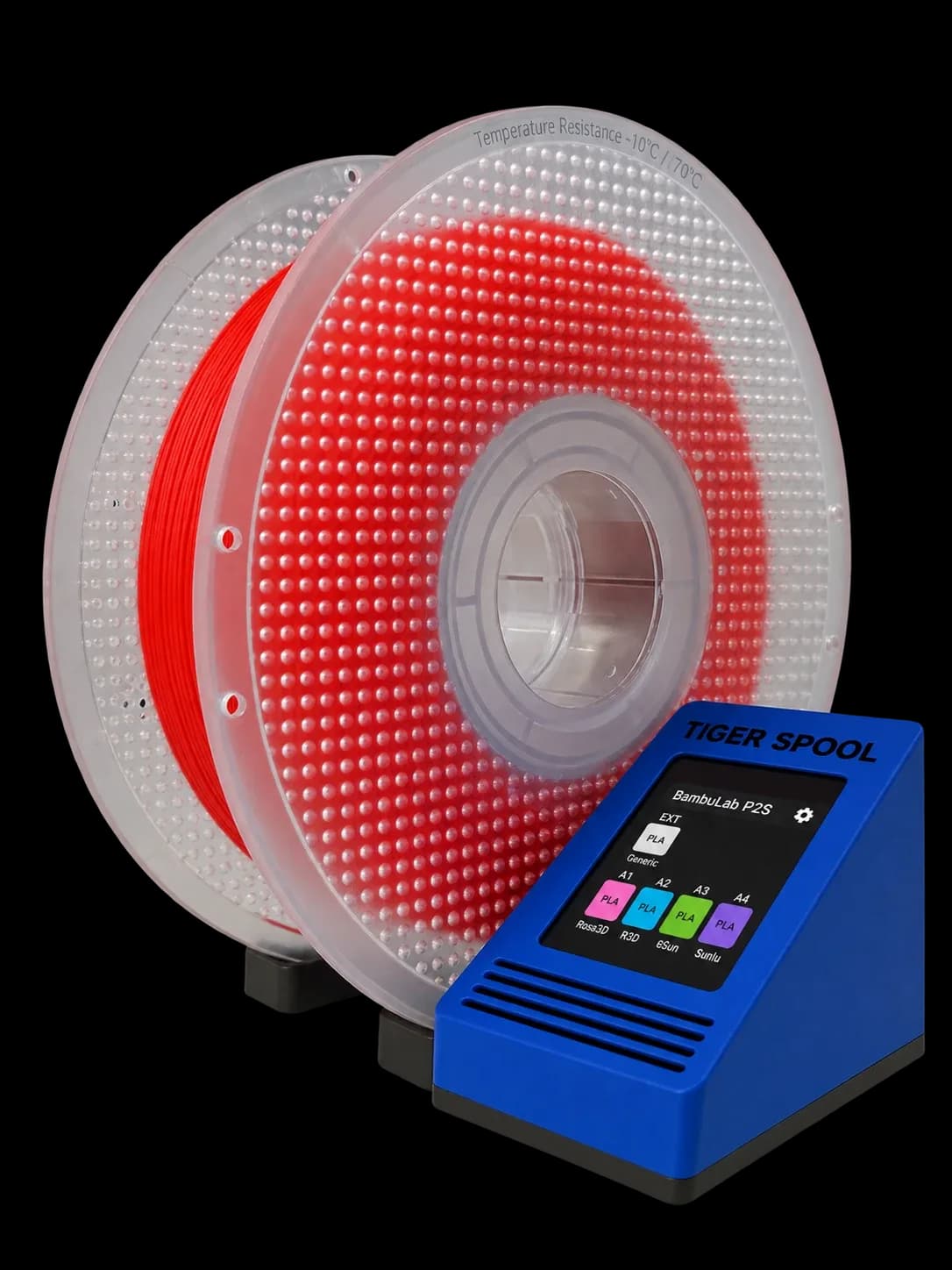
One gesture instead of menu-diving on the printer. The box does the rest.
Tap a slot on the screen, hold the spool against the box. It all leaves for the printer the moment the chip is read: nothing to confirm.
Put it on the reader: colour, material, brand, temperatures, drying advice and what's left on it. No printer involved.
They come from your account, set up once in Tiger Studio Manager 2. Every TigerSpool you own reads the same list.
Wi-Fi by scanning a QR code with your phone, sign-in by email or Google. Not one password typed on a 2-inch screen.
Eleven of them, and it asks which one before anything else.
New firmware arrives over the air. Nothing to plug back in.
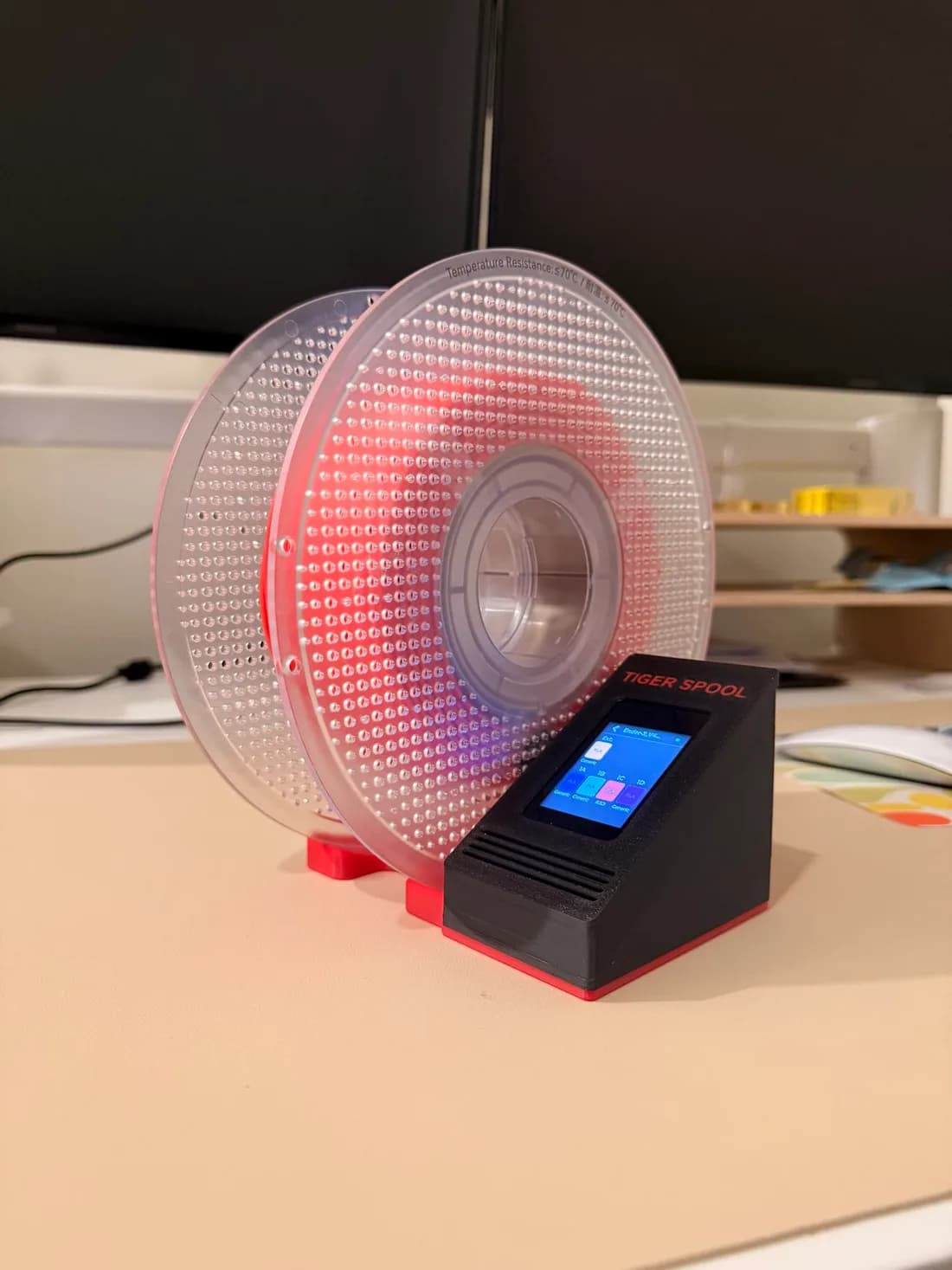
The desktop stand sits beside any printer and holds the spool against the reader while you tap. Spool on the left or on the right, your call. It prints without supports: no screws, no inserts.
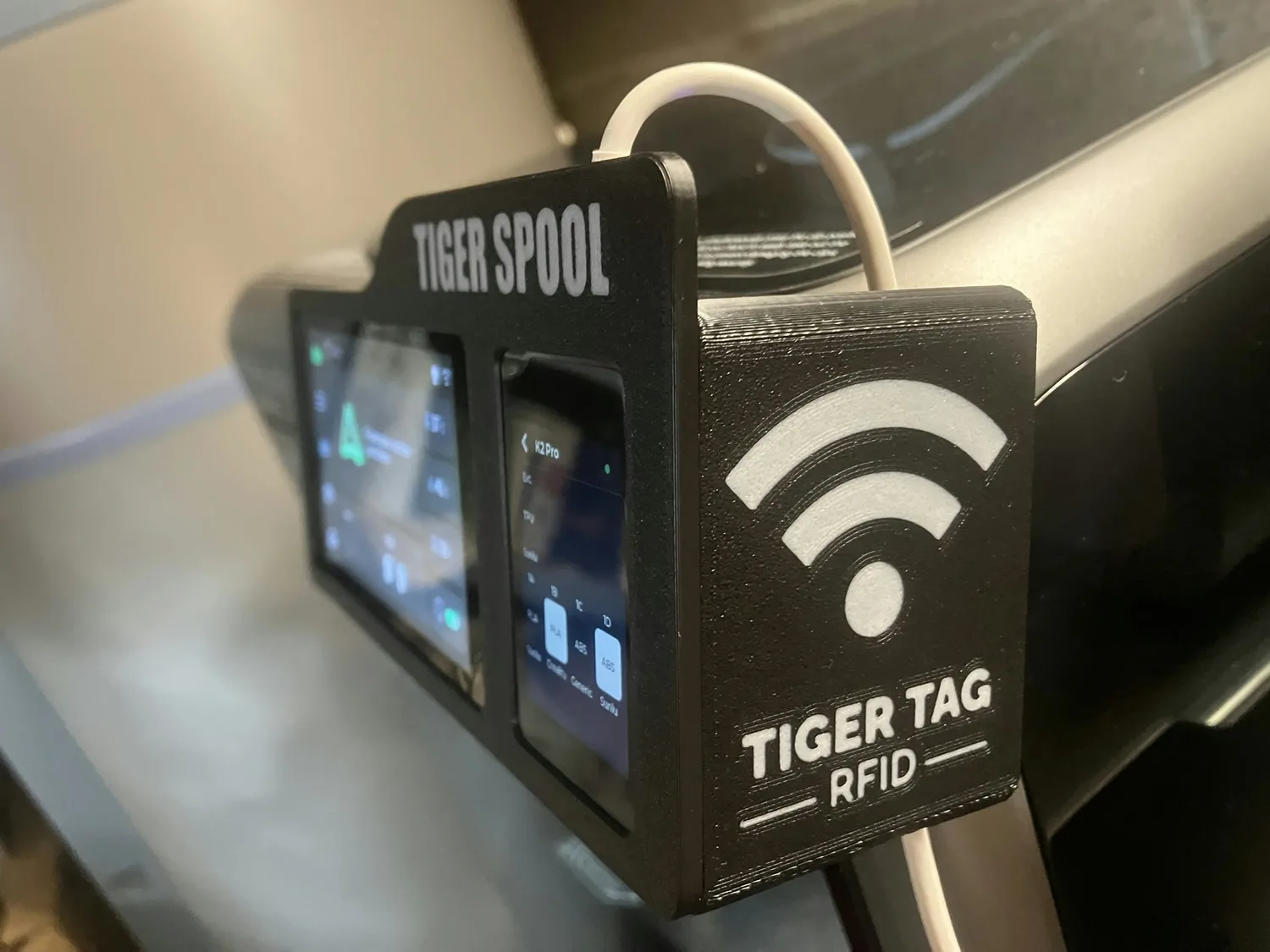
Same box, same firmware, in a shell that clips onto the printer's own screen. Creality K2 and K2 Pro, FlashForge Creator 5 and 5 Pro: the files are on MakerWorld, with more in the project.
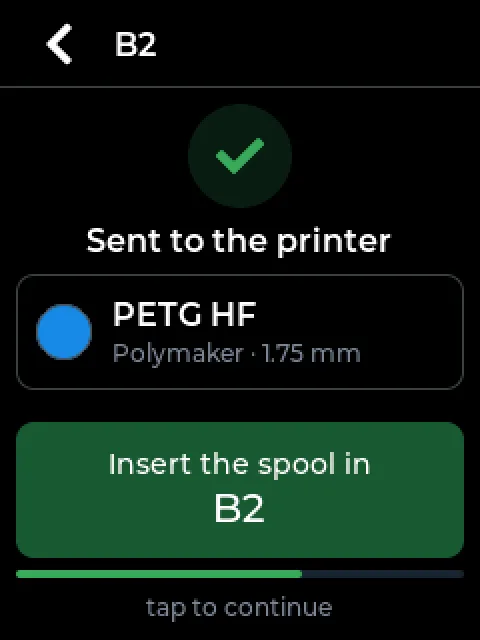
TigerSpool tells the printer what the spool is, using the slot names it already knows. Putting the spool in that slot is still your job: the box just tells you which one.
Every printer Tiger Studio Manager 2 can add: Bambu Lab, Creality, FlashForge, Snapmaker, Elegoo and Anycubic, with Klipper printers in testing. A Bambu Lab in cloud mode shows its spools, but needs LAN mode to receive one.
A TigerSystem account and your printers, both added in Tiger Studio Manager 2. The box reads that list: if it is empty, the box shows an empty list, and that is not a fault.
A Waveshare ESP32-S3-Touch-LCD-2 board, a PN532 NFC reader, four jumper wires and a printed case. The firmware and the case files are open source on GitHub, and you install it from Chrome, Edge or Opera.
No. It tells the printer what the spool is and which slot it goes in; putting it in the AMS, the CFS or the ACE is still yours to do.
Yes, a TigerTag chip: that is what the box reads. No chip on your spool yet? A blank NTAG sticker and a free app sort it out in two minutes.
Print the case, connect four wires, install the firmware from your browser. Your printers arrive on their own, from your account.
Install it from your browser