Tiger Touch · Klipper
Tiger Touch for Klipper 3D printers
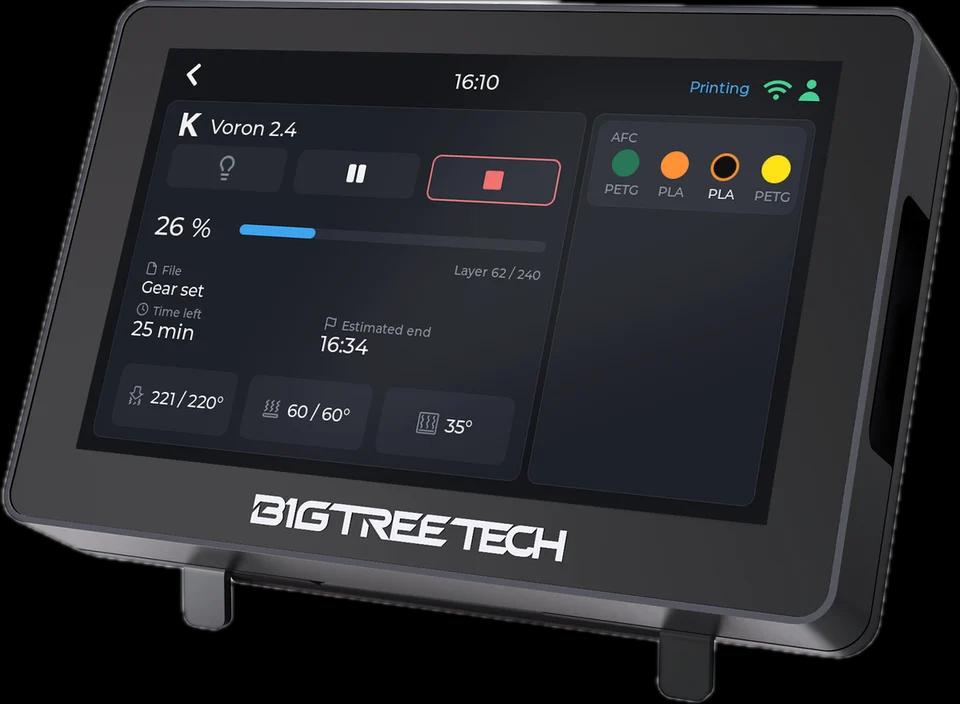
Tiger Touch turns a BIGTREETECH Panda Touch or K-Touch into a live screen for any Klipper printer with Moonraker: progress, temperatures, up to four extruders, the light and AFC or Happy Hare lanes.
What it shows
- State, progress, layers, time left and the file being printed
- Up to four extruders, the bed and a chamber sensor
- AFC lanes or a Happy Hare MMU, the active one ringed
From the screen
Pause, resume and stop through Moonraker; stop asks for a confirmation first. The light switches when the printer has an LED chain or an output pin named like a light.
How it connects
Moonraker over HTTP on your local network (port 7125 unless you give another), read every 2 seconds, with an API key when Moonraker asks for one.
Tested on real printers
Seen on a real Klipper printer: state, progress, temperatures, pause, resume, stop and the light; every state, the errors and four AFC lanes were also run against Tiger Studio Manager's test printer.
Set it up in three steps
- 1
Make sure Moonraker answers on your network (Mainsail or Fluidd use it already).
- 2
Add the printer in Tiger Studio Manager (desktop app) with its address; Tiger Touch does not resolve .local names.
- 3
Flash Tiger Touch, sign in with the same TigerSystem account, and switch the printer on in Settings > Printers.
Good to know
Write the printer's numeric IP address (such as 192.168.x.y), not a name ending in .local such as voron.local: the screen has no mDNS.
Klipper models named in the Tiger Touch docs
Voron, Qidi, Sovol, RatRig and any printer running Klipper with Moonraker
Klipper printers in TigerSystem (165)
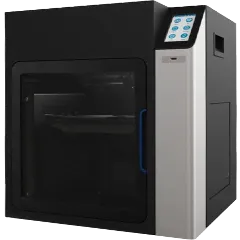 Afinia H+1(HS)
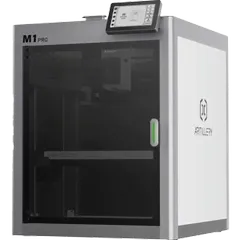 Artillery M1 Pro
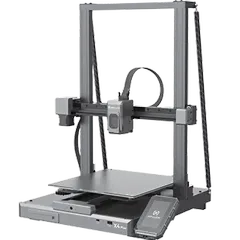 Artillery Sidewinder X4 Plus
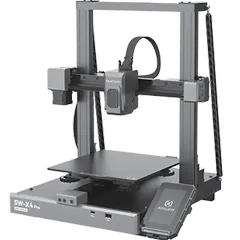 Artillery Sidewinder X4 Pro
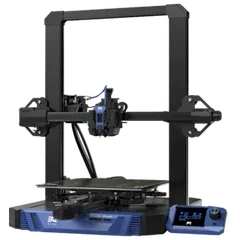 BIQU Hurakan
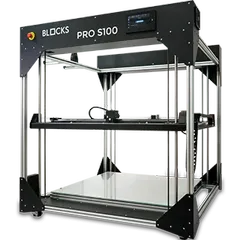 BLOCKS Pro S100
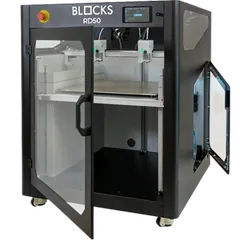 BLOCKS RD50 V2
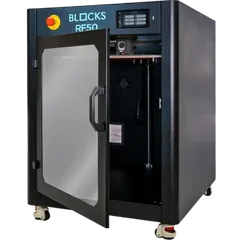 BLOCKS RF50
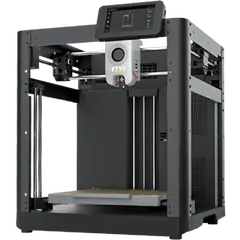 Chuanying X1
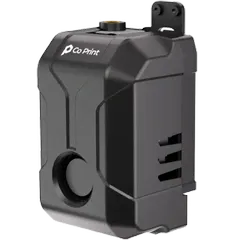 Co Print ChromaSet
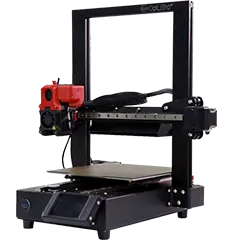 CoLiDo DIY 4.0
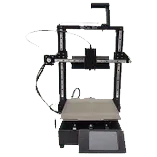 CoLiDo DIY 4.0 V2
Questions about Klipper
Does it work with Voron, Qidi or Sovol?
Yes, with any printer that runs Klipper with Moonraker.
Does it need Mainsail or Fluidd?
No, only Moonraker, which they already use.
Does it show AFC or Happy Hare?
Yes: the lanes or gates with material and colour, the active one ringed.
This page follows the Tiger Touch printer compatibility notes on GitHub.