Tiger Touch · Bambu Lab
Tiger Touch for Bambu Lab 3D printers
Tiger Touch turns a BIGTREETECH Panda Touch or K-Touch into a live screen for your Bambu Lab printers: progress, layers, time left, temperatures and every AMS slot, through the Bambu cloud or in LAN mode.
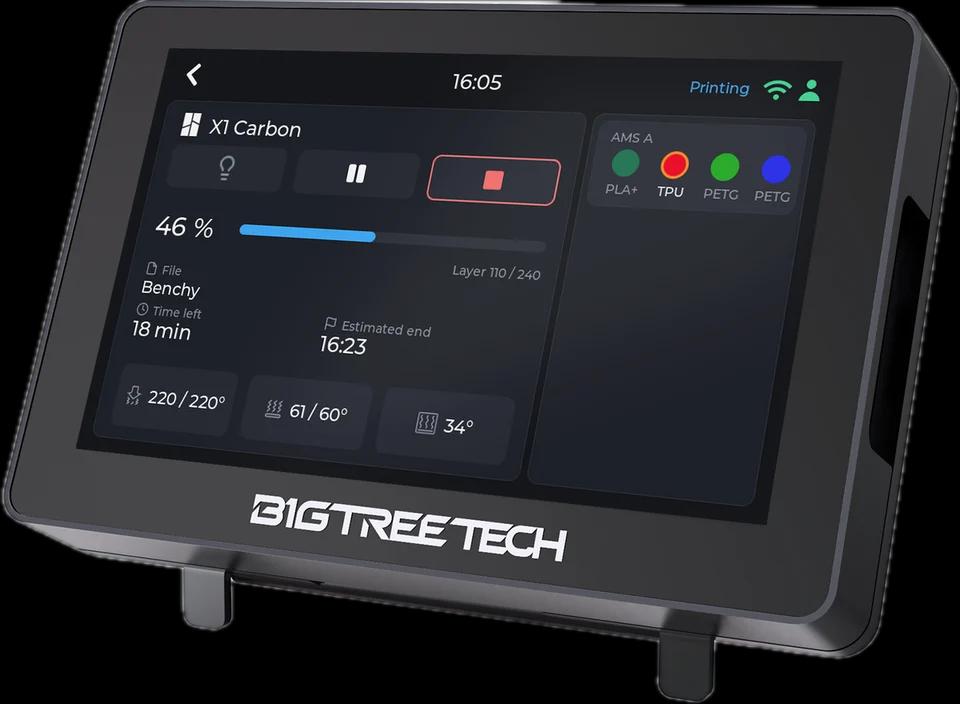
What it shows
- Progress, current and total layers, time left and the estimated end
- Nozzle, bed and chamber temperatures (the A1, A1 mini, P1P and P1S have no chamber sensor: shown as --)
- Every AMS and AMS HT unit with its slots, material and colour, the slot in use ringed, and the external spool
- Both nozzles of an H2D, H2C or X2D, the active one marked
From the screen
The chamber light switches from the screen, through the cloud as on the local network. Pause, resume and stop work in LAN mode only: the Bambu cloud takes no such command from a third-party session, so the buttons stay dimmed there.
How it connects
Bambu cloud (MQTT over TLS to Bambu's region broker, with the session Tiger Studio Manager stored in your account), or LAN mode (MQTT over TLS to the printer, port 8883, with its access code).
Tested on real printers
Seen on real printers: a full print on a P2S through the cloud; an X1 Carbon and an A1 in LAN mode.
Set it up in three steps
- 1
Add the printer in Tiger Studio Manager (desktop app), signed in to your Bambu account or with LAN mode on the printer.
- 2
For LAN mode, keep the access code and the address Tiger Studio found: Tiger Touch reads them from your TigerSystem account.
- 3
Flash Tiger Touch from the installer, sign in with the same TigerSystem account, and switch the printer on in Settings > Printers.
Good to know
A Bambu printer in LAN mode streams its full reports continuously: give the screen a good Wi-Fi signal. A printer allows only a few local clients at a time.
Bambu Lab models named in the Tiger Touch docs
X1 Carbon, X1E, P1S, P1P, P2S, A1, A1 mini, H2D, H2C, H2S, X2D
Bambu Lab printers in TigerSystem (13)
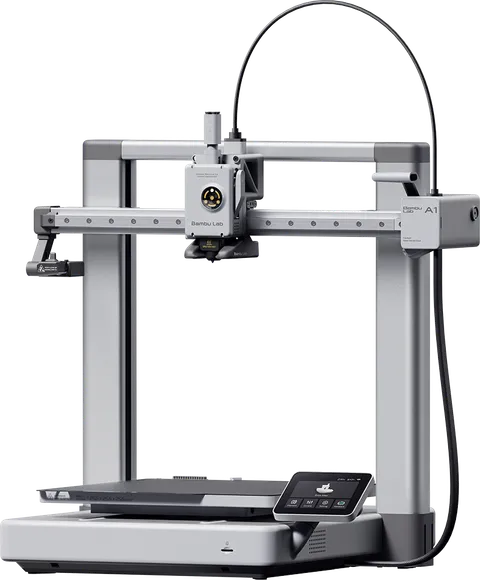 Bambu Lab A1
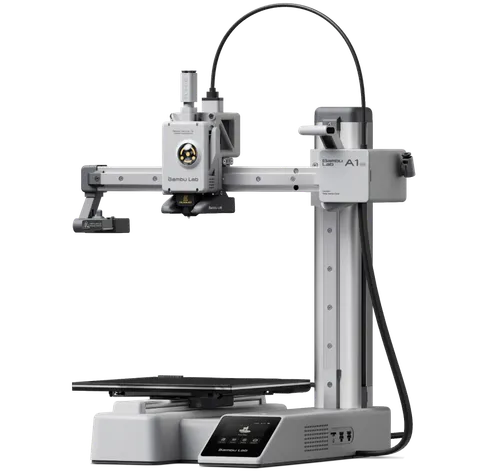 Bambu Lab A1 Mini
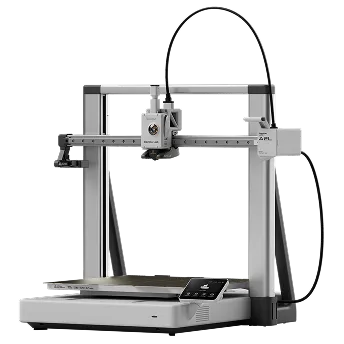 Bambu Lab A2L
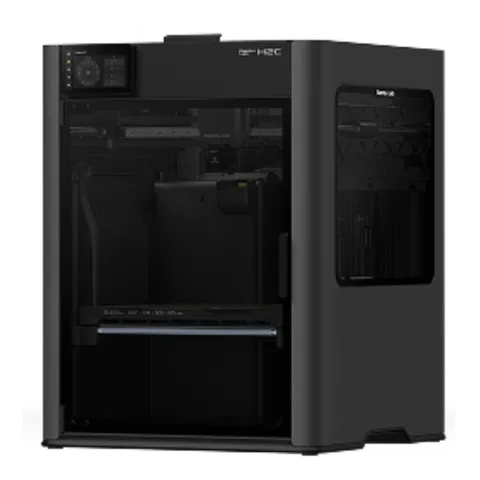 Bambu Lab H2C
 Bambu Lab H2D
 Bambu Lab H2D Pro
 Bambu Lab H2S
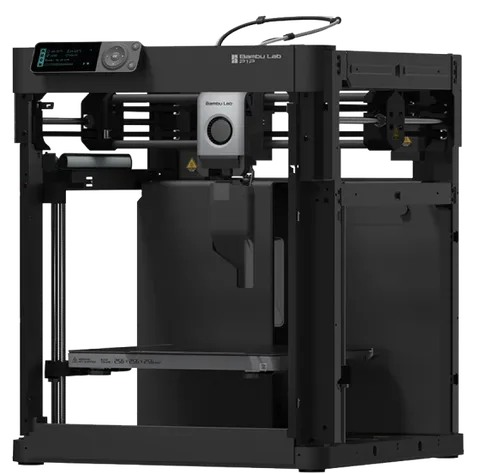 Bambu Lab P1P
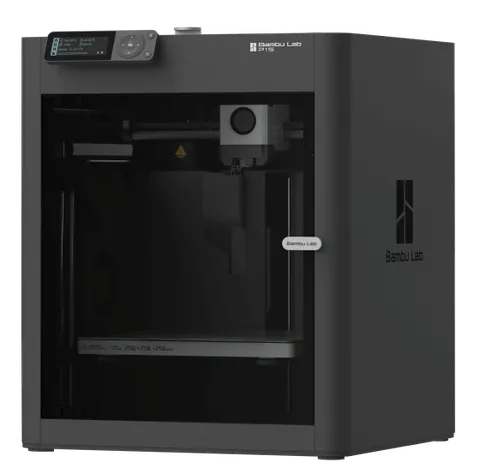 Bambu Lab P1S
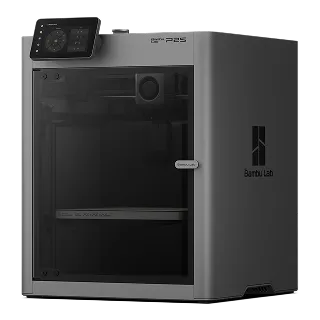 Bambu Lab P2S
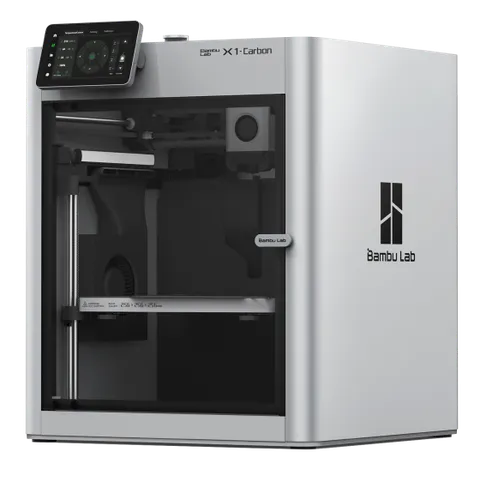 Bambu Lab X1C
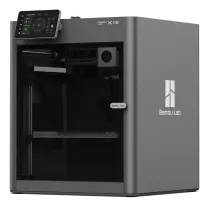 Bambu Lab X1E
Questions about Bambu Lab
Does it need the Bambu cloud?
No. It works through the Bambu cloud or in LAN mode; each printer uses the connection Tiger Studio Manager set up for it.
Can I pause or stop a Bambu print from the screen?
In LAN mode, yes: stop asks for a confirmation first. Through the Bambu cloud the buttons are shown but dimmed, because the cloud does not accept these commands from a third-party session.
Does it show the AMS?
Yes: every AMS and AMS HT unit with its four slots (one for the HT), the material, the colour and the slot in use, plus the external spool.
This page follows the Tiger Touch printer compatibility notes on GitHub.