Tiger Touch · Anycubic
Tiger Touch for Anycubic 3D printers
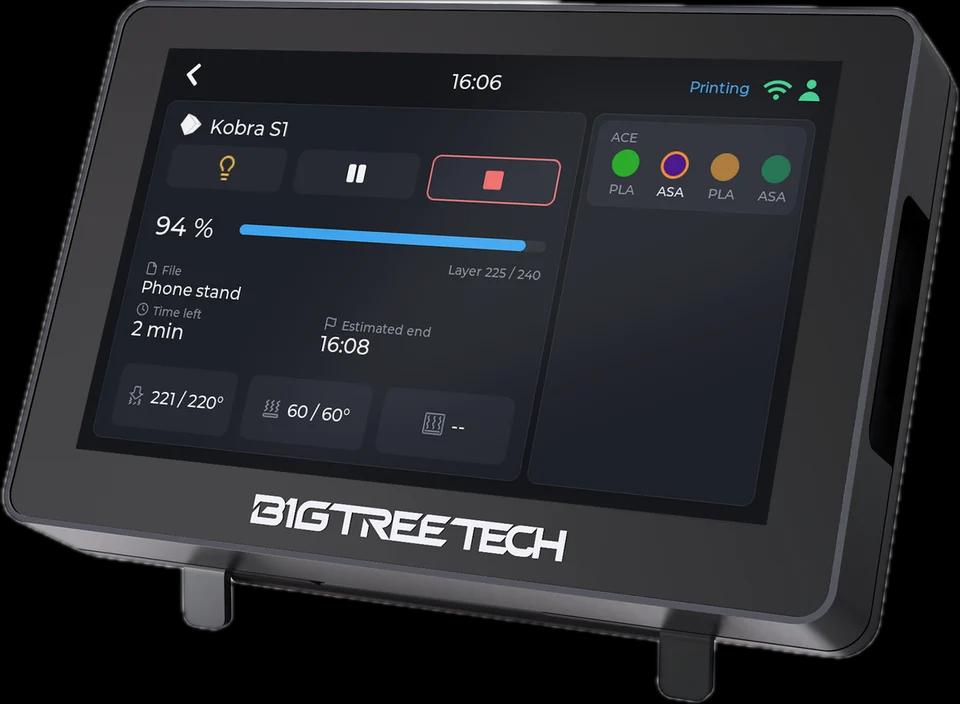
Tiger Touch turns a BIGTREETECH Panda Touch or K-Touch into a live screen for your Anycubic printers: their state and every ACE slot, through the Anycubic cloud or on your network.
What it shows
- Online state, progress and the file being printed
- Every ACE slot with material and colour
- Temperatures while it prints (through the cloud they arrive with the printer's own reports)
From the screen
Pause, resume and stop, through the Anycubic cloud as on your network; stop asks for a confirmation first. The light switches too; through the cloud the button shows what was asked, as the cloud does not report the light.
How it connects
The Anycubic cloud (one session for all the cloud printers of your account, signed in as the Anycubic slicer is), or on your network (MQTT over TLS, port 9883).
Tested on real printers
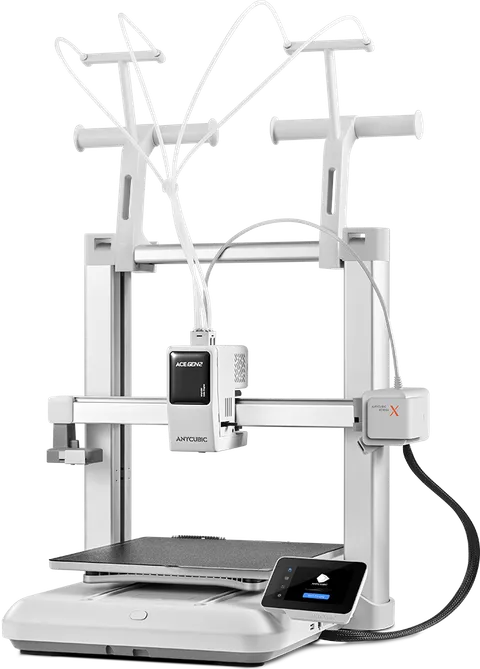
Seen on a real printer: a Kobra X through the Anycubic cloud, with the four slots of its ACE, the light, and pause, resume and stop during a print. The local connection follows the same validated protocol.
Set it up in three steps
- 1
Add the printer in Tiger Studio Manager (desktop app), signed in to your Anycubic account for the cloud.
- 2
Flash Tiger Touch, sign in with the same TigerSystem account.
- 3
Switch the printer on in Settings > Printers.
Good to know
If the screen says the cloud sign-in is missing or refused, refresh the printer in Tiger Studio Manager: it writes a new sign-in to your account.
Anycubic models named in the Tiger Touch docs
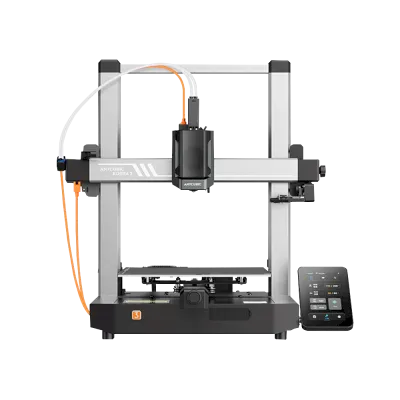
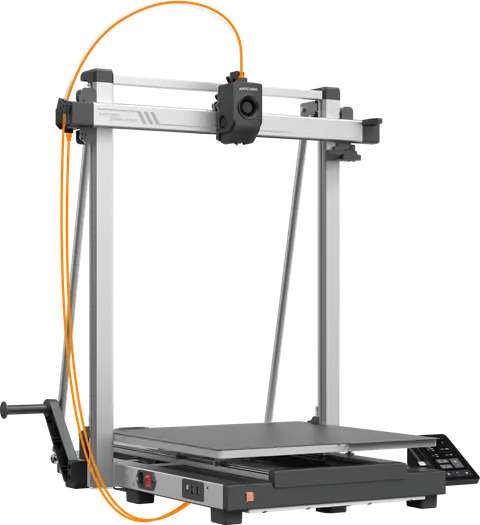
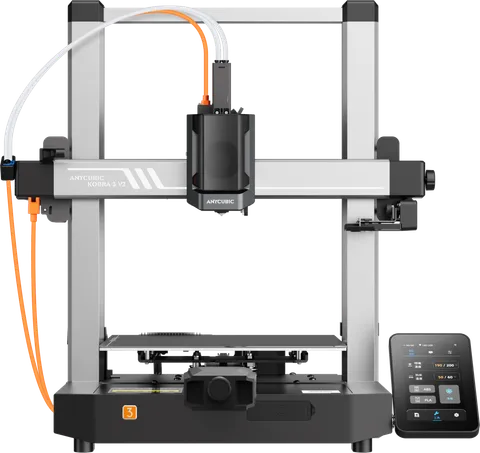
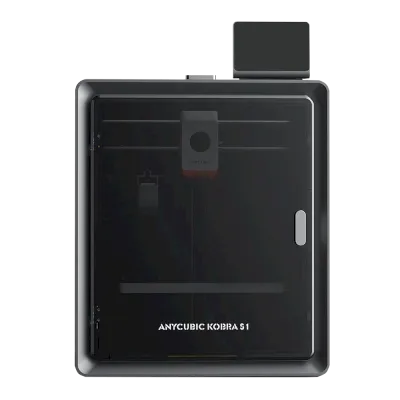
Kobra S1, Kobra S1 Max, Kobra X, Kobra 3, Kobra 3 V2, Kobra 3 Max
Anycubic printers in TigerSystem (5)
Questions about Anycubic
Does it work through the Anycubic cloud?
Yes. All the cloud printers of your account share one session, signed in as the Anycubic slicer is. It was run on a Kobra X.
Can I stop an Anycubic print from the screen?
Yes, through the Anycubic cloud as on your network; stop asks for a confirmation first. Through the cloud, refresh the printer once in an up-to-date Tiger Studio Manager: it writes what the screen needs to send the commands.
Does it show the ACE?
Yes: each slot with its material and colour.
This page follows the Tiger Touch printer compatibility notes on GitHub.