Tiger Touch · Creality
Tiger Touch for Creality 3D printers
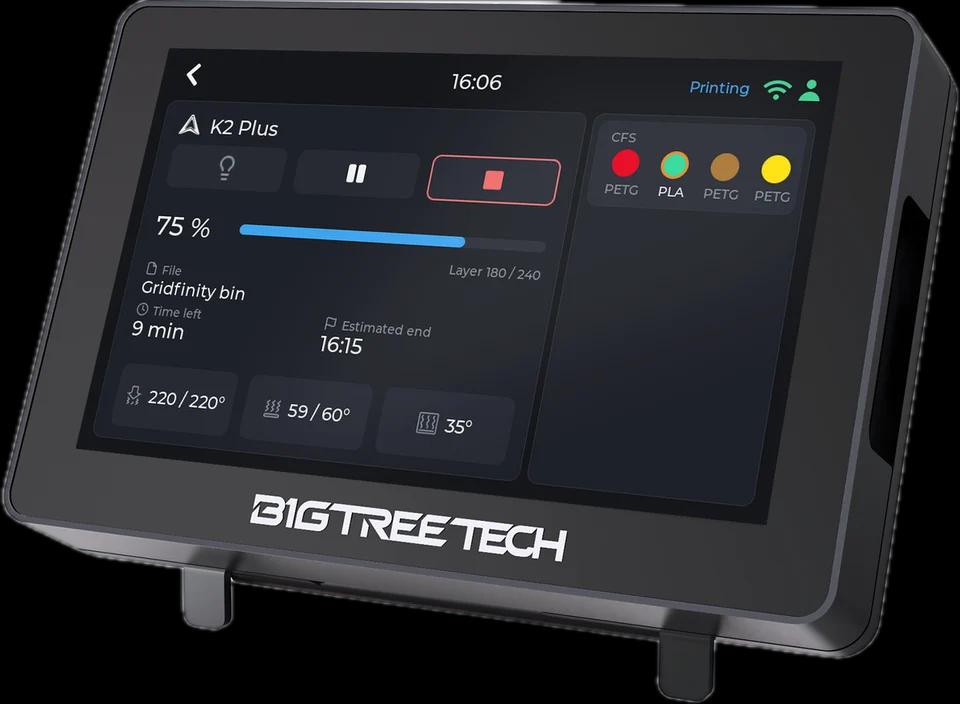
Tiger Touch turns a BIGTREETECH Panda Touch or K-Touch into a live screen for your Creality printers: progress, layers, temperatures and the CFS, straight from the printer on your network.
What it shows
- State, progress, layers, time left and the estimated end, the file being printed
- Nozzle, bed and chamber temperatures with their set points
- The CFS slots with material and colour, the slot in use ringed, and the external spool
From the screen
The light switches from the screen (seen on a K2). Pause, resume and stop are sent as Creality Print does; stop asks for a confirmation first.
How it connects
The printer's own WebSocket on your local network (port 9999), no cloud.
Tested on real printers
Seen on real printers: a full print on a K2 Plus, with its CFS; an Ender-3 V4 idle with its CFS.
Set it up in three steps
- 1
Make sure LAN mode is on in the printer's settings (it is off by default on some models).
- 2
Add the printer in Tiger Studio Manager (desktop app): it finds it on your network.
- 3
Flash Tiger Touch, sign in with the same TigerSystem account, and switch the printer on in Settings > Printers.
Good to know
A Creality printer that shows offline almost always has LAN mode off, or a new address after a router restart: refresh it in Tiger Studio Manager.
Creality models named in the Tiger Touch docs
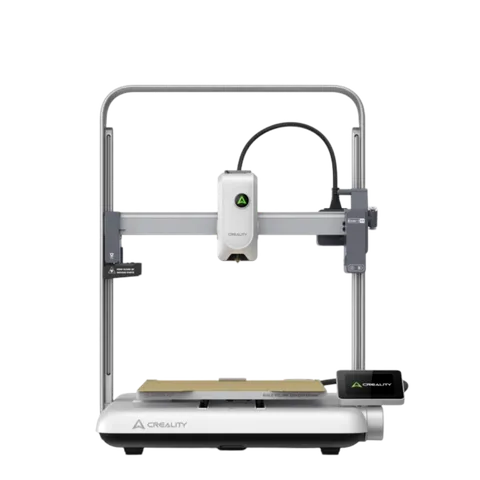
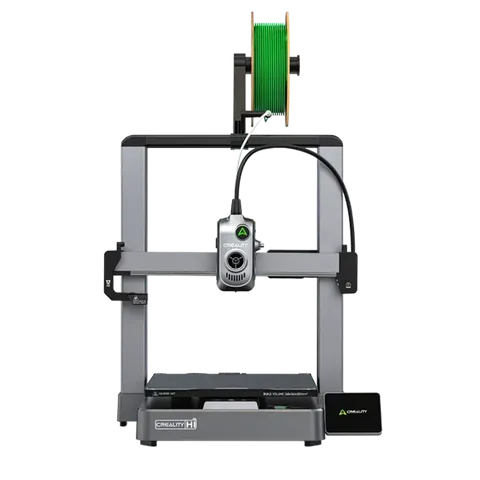
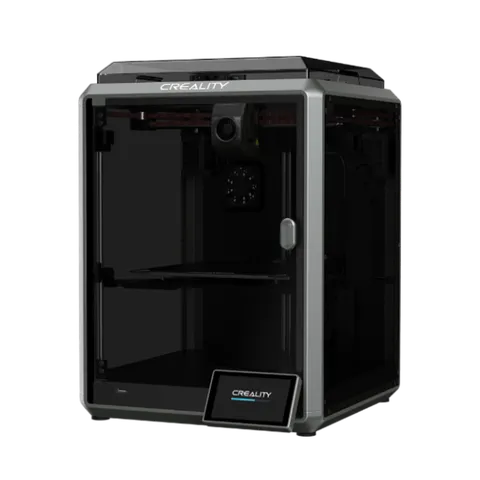
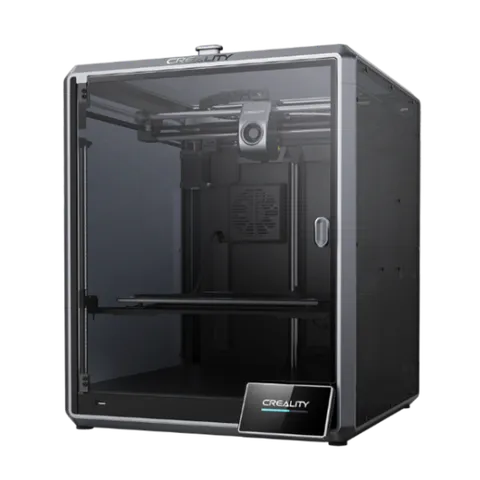
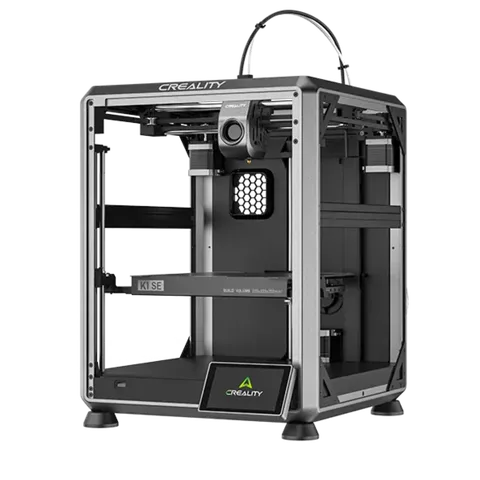
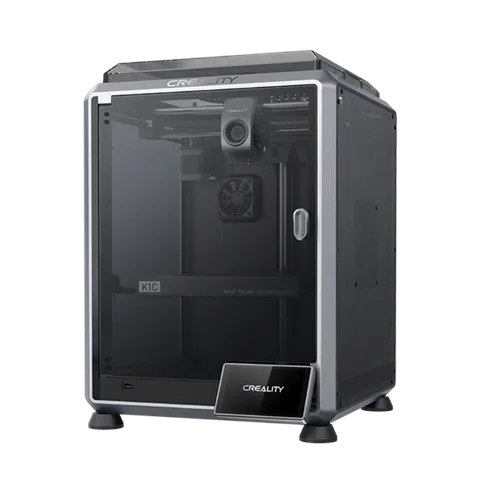
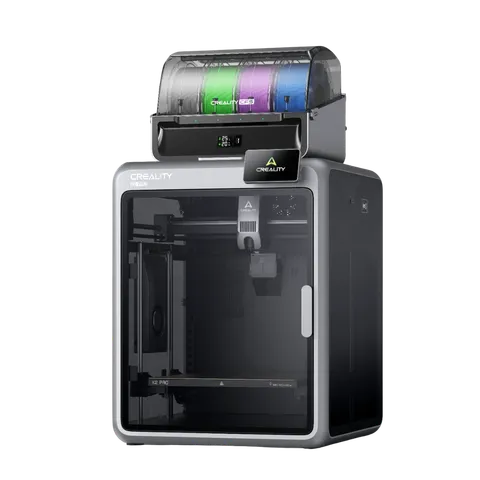
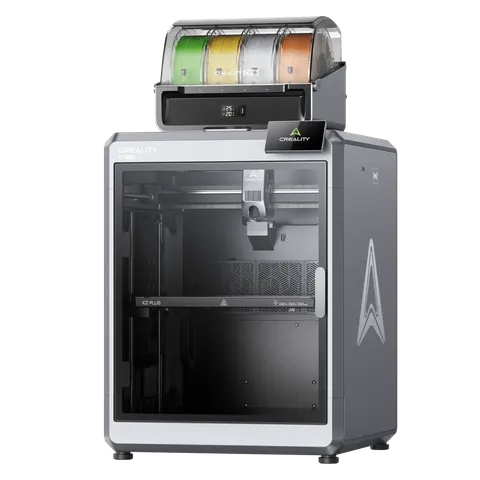
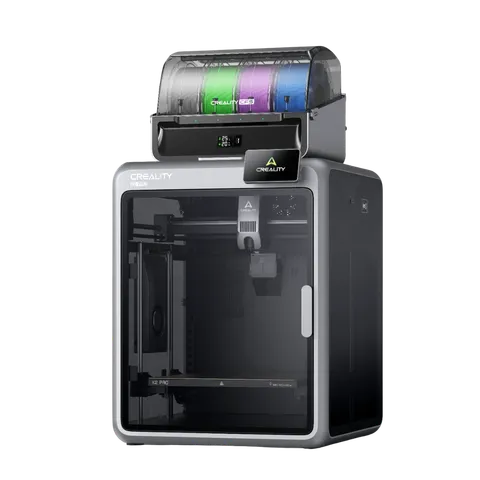
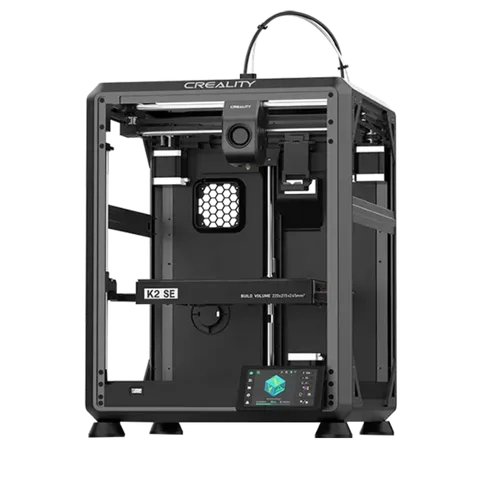
K2 Plus, K2 Pro, K2, K1, K1 Max, K1C, K1 SE, Hi, Ender-3 V4, Ender-3 V3 KE
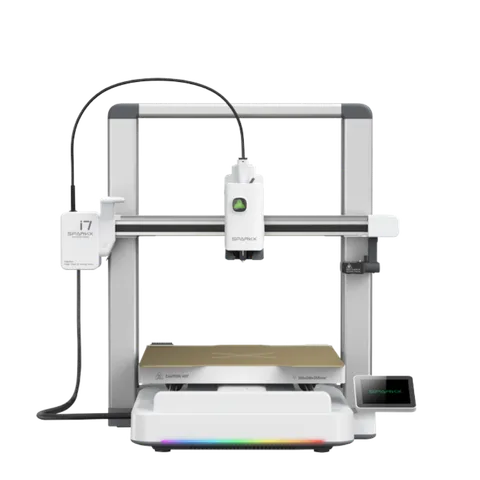
Creality printers in TigerSystem (11)
Questions about Creality
Does it work with the CFS?
Yes: every CFS slot with material and colour, the active one ringed, and the external spool.
Does it need Creality Cloud?
No. Tiger Touch talks to the printer directly on your local network.
Which Creality printers?
The K2 family, the K1 family, the Hi and the Ender-3 V4: those Tiger Studio Manager adds. It was run on a K2 Plus and an Ender-3 V4.
What about an older Creality, such as an Ender-3 S1?
Put it behind OctoPrint (an OctoPi, for instance): Tiger Touch follows it through its OctoPrint connection.
This page follows the Tiger Touch printer compatibility notes on GitHub.