Tiger Touch · FlashForge
Tiger Touch for FlashForge 3D printers
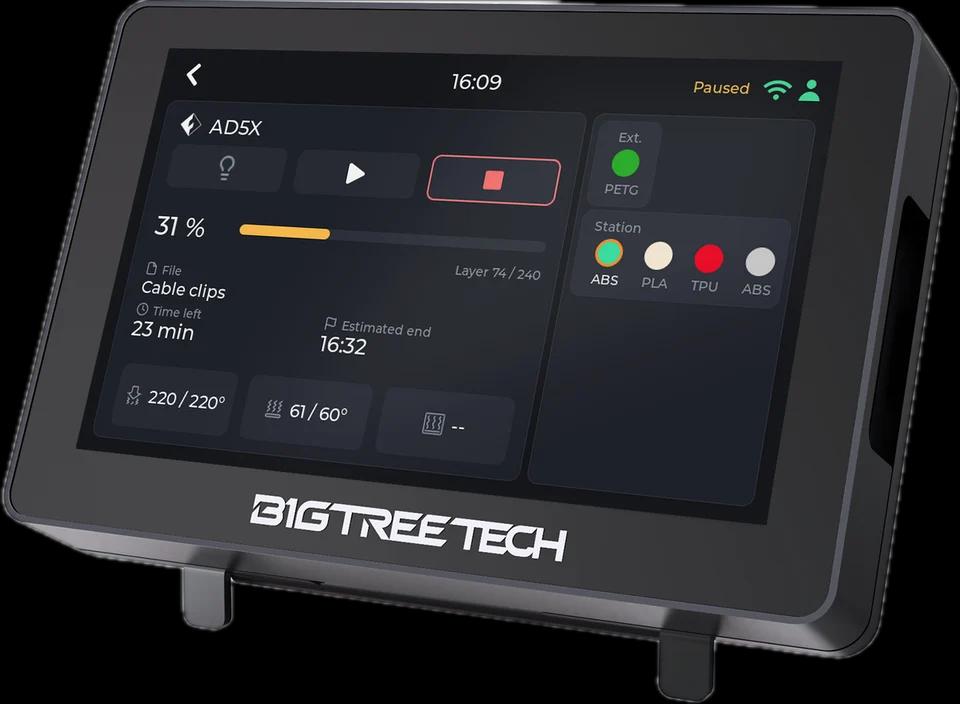
Tiger Touch turns a BIGTREETECH Panda Touch or K-Touch into a live screen for your FlashForge printers: progress, temperatures, the external spool and the AD5X's material station.
What it shows
- State, progress, layers and the file being printed
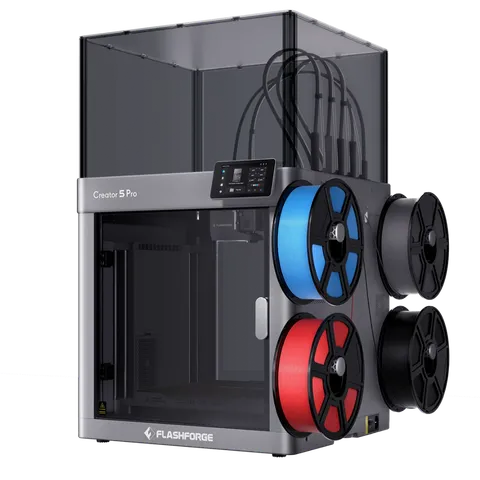
- Nozzle and bed temperatures; both nozzles of a dual extruder and the Creator 5 Pro's tool changer
- The external spool and the four slots of the AD5X's material station
From the screen
Pause, resume, stop and the light on recent models; stop asks for a confirmation first.
How it connects
The printer's HTTP interface on your local network (port 8898), read every 2 seconds.
Tested on real printers
Seen on a real AD5X: state, nozzle and bed temperatures, and pause, stop and the light from the screen.
Set it up in three steps
- 1
Turn LAN mode on in the printer's network settings (it is off by default).
- 2
Add the printer in Tiger Studio Manager (desktop app).
- 3
Flash Tiger Touch, sign in with the same TigerSystem account, and switch the printer on in Settings > Printers.
Good to know
A FlashForge that shows offline usually has LAN mode off: it is a setting on the printer's own screen.
FlashForge models named in the Tiger Touch docs
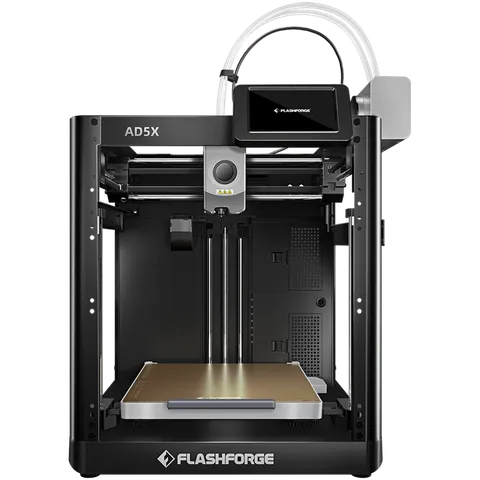
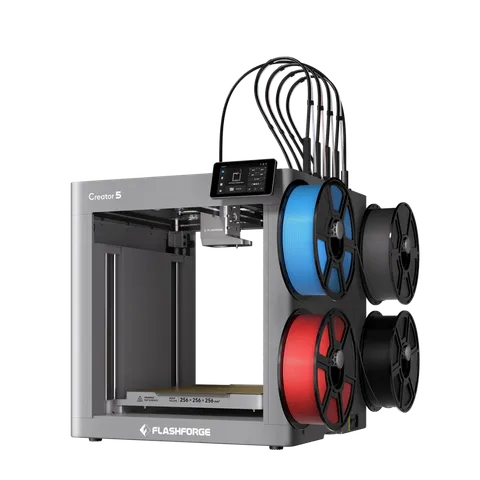
AD5X, Adventurer 5M, Adventurer 5M Pro, Creator 5, Creator 5 Pro
FlashForge printers in TigerSystem (5)
Questions about FlashForge
Does it show the AD5X material station?
Yes: its four slots with material and colour, and the external spool.
Does it need FlashForge's cloud?
No. It reads the printer on your local network; LAN mode must be on.
Which FlashForge printers?
The AD5X, the Adventurer 5M and 5M Pro, the Creator 5 and the Creator 5 Pro. It was run on an AD5X.
This page follows the Tiger Touch printer compatibility notes on GitHub.