Fetch the public config
One GET returns the Firebase project config. The apiKey is public by design: it identifies the project, not the caller. Cache it; a weekly refresh is enough.
Third-party integration reference
The TigerSystem account links every app and device. Your app, device or Home Assistant connects to it natively through Firebase: it signs in with the user's own credentials, reads their spools and racks in Firestore and writes weights back.
$ GET  https://tigertag-cdn.web.app/__/firebase/init.json

POST https://identitytoolkit.googleapis.com/v1/accounts:signInWithPassword?key={apiKey}
{ "email": "user@example.com", "password": "…", "returnSecureToken": true }Every client follows the same four steps: fetch the public Firebase config, sign in as the user, call the Firestore REST API with the user's token, and keep that token fresh.
One GET returns the Firebase project config. The apiKey is public by design: it identifies the project, not the caller. Cache it; a weekly refresh is enough.
The user's own email and password return a UID, a 1-hour idToken and a refreshToken. Google Sign-In needs a browser, so headless clients use a password.
Send the idToken as a Bearer token. Spools live in users/{uid}/inventory, racks in users/{uid}/racks; weights are net grams, dates Unix milliseconds.
Every client signs in with the end user's own credentials. Never ship the firebase-admin SDK or any admin key in a third-party client.
Firestore Security Rules check every request against the signed-in user: owners read and write their own documents, friends may read inventory and racks, anything else is denied.
Document paths and field names stay stable. Renaming or removing a field takes at least 3 months of notice in the changelog; new fields are always additive.
A custom component sketch that exposes one sensor per spool, with the remaining weight in grams as its state. The guide also covers friends' inventories, pagination and token storage.
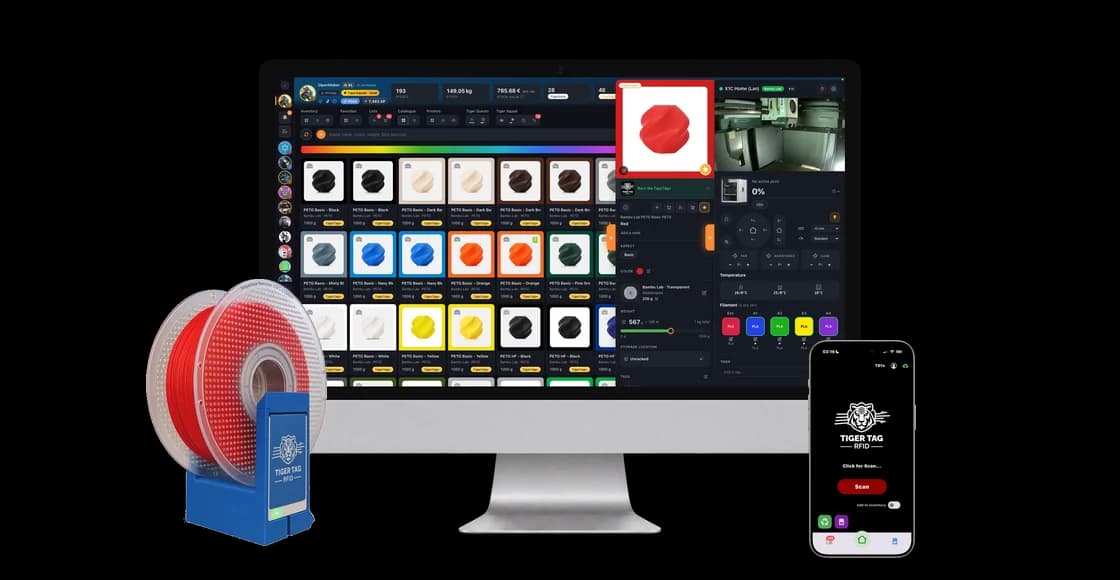
Look up a spool by the scanned RFID UID (uid, then twin_uid), compute the net weight and write weight_available and last_update with an update mask. The guide ends with a complete ESP32 sketch (WiFi, ArduinoJson).
A minimal Python client built on Pyrebase4: it signs in, lists your spools and prints how many spools each friend has. The guide holds the whole script and a sample run.
No. Every client signs in with the end user's own TigerSystem email and password, and Firestore Security Rules decide what that user may read or write. There is no shared admin key, and the firebase-admin SDK must never be used in a third-party client.
The apiKey identifies the Firebase project, not the caller. Without a valid idToken, obtained by signing in as a real user, it gives access to nothing; access control is done by authentication and by the Security Rules.
Not directly: Google Sign-In needs a browser redirect. A user who has only ever used Google first sets a password on the TigerSystem account, through the forgot-password flow of Tiger Studio Manager 2 or Tiger NFC Connect, then signs in with email and password.
Every 5 minutes at most often for a sensor, every 15 minutes for a rack overview, and never under 30 seconds. A scale writes only when a weight changes. List reads should pass a limit: 200 for inventory, 50 for racks.
Yes, read-only. When two users are friends, each has a document for the other under users/{uid}/friends, and the rules let a friend read the inventory and racks. Either user can remove the friendship at any time, which cuts access immediately.
Pick the guide for your platform and follow it from sign-in to your first read. What is documented is what is deployed.
Start an integration