Filament guide · Prusament
Prusament filament in Tiger Studio Manager 2
Manage your Prusament filament in your inventory: from the catalogue, the box's barcode or a TigerTag chip you add yourself.
Free desktop app
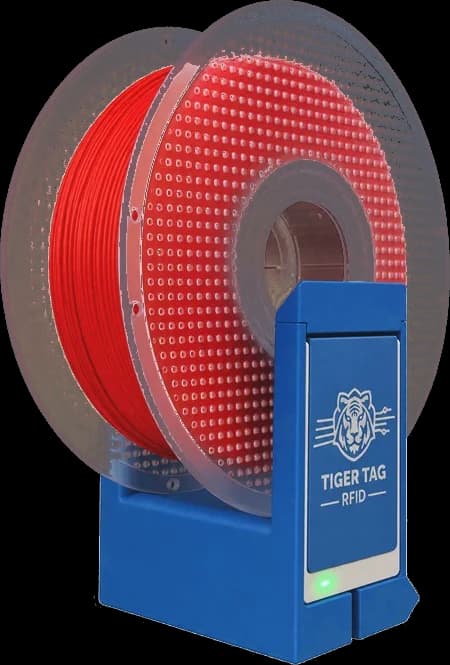


3 ways to add your spool
With or without a chip, your Prusament filament goes into your inventory.
- 01
From the catalogue, as TigerData+
The 119 Prusament products are in the app's catalogue: pick yours and the spool becomes a TigerData+, with its material, colour and settings, no chip needed.
Prusament catalogue → - 02
Barcode and TigerQR+
Scan the box's barcode: the catalogue finds the exact product. Then print the spool's TigerQR+: scanning it opens the spool.
TigerQR → - 03
Your own TigerTag chip
Stick a blank NTAG 213, 215 or 216 chip on the spool and write the Prusament product on it: from then on, setting it on the TigerPOD Mini opens its card.
How to add a chip →
Prusament NFC chip
Not read by the TigerPOD
Prusament spools carry an NXP ICODE SLIX2 chip (NFC-V). The TigerPOD reads with an ACR122U, which does not read that kind of chip: add the spool from the catalogue, with its TigerQR+, or stick a TigerTag chip on it.
A TigerQR+ for every Prusament spool
Every Prusament product in the catalogue has its TigerQR+, on its page. Here is the one for Prusament PLA Prusa Orange: pick the format of your label printer, print it, stick it on the spool.
Put this TigerQR+ on your site
Shop or website: these two lines show this TigerQR+, with its formats, PNG, SVG and print.
<div data-tigertag-label="3754394421"></div>
<script src="https://tigersystem.io/widget/label.js" async></script>
TigerQR+
Any phone that scans the QR opens the product's page, with its settings, no app needed. How TigerQR works
Prusa printers
Your MMU in Tiger Studio
Connect your Prusa printer over your local network: its filament slots, the current print and the camera, live.
- Filament slots
- Current print
- Camera
Compatible Prusa printers
Filament from another brand
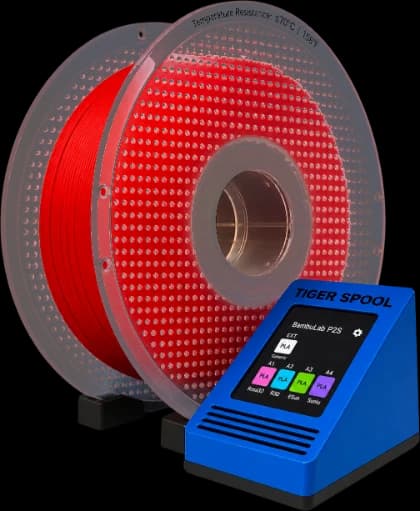
TigerTag + TigerSpool
A TigerTag chip and the TigerSpool fill the slot like a Prusament spool: material, colour and temperatures.
Discover the TigerSpool →Where to buy
Where to find filament with TigerTag
Spools that come with their TigerTag chip, ready to tap.
Every TigerTag filament
The Atome3D collection of spools sold with a TigerTag chip: Rosa3D, eSun, Sunlu, R3D and more.
See the collection →A chip for your other spools
TigerTag chips on the TigerTag shop, or any blank NTAG 213, 215 or 216: the free apps write it.
Frequently asked questions
Does the TigerPOD read the Prusament chip?
No. The Prusament chip is an NXP ICODE SLIX2 (NFC-V), and the TigerPOD's ACR122U reader does not read it. Add the spool from the catalogue as TigerData+, with a TigerQR+, or with a TigerTag or blank NTAG chip, like any other spool.
Which chip should I buy?
Any blank NTAG 213, 215 or 216, a few cents online. TigerTag chips are on the TigerTag shop, but any NTAG works.
Can I reuse the chip of an empty spool?
Yes. A TigerTag chip is rewritable: erase it, write the new spool's product on it with Tiger Studio Manager 2 or Tiger NFC Connect, and stick it on.
What does the chip hold?
The spool's product: brand, material, colour, diameter, weight and print temperatures, in the open TigerTag format. Any NFC phone reads it.
Is Tiger Studio Manager 2 free?
Yes. It is a free desktop app for Windows, macOS and Linux.
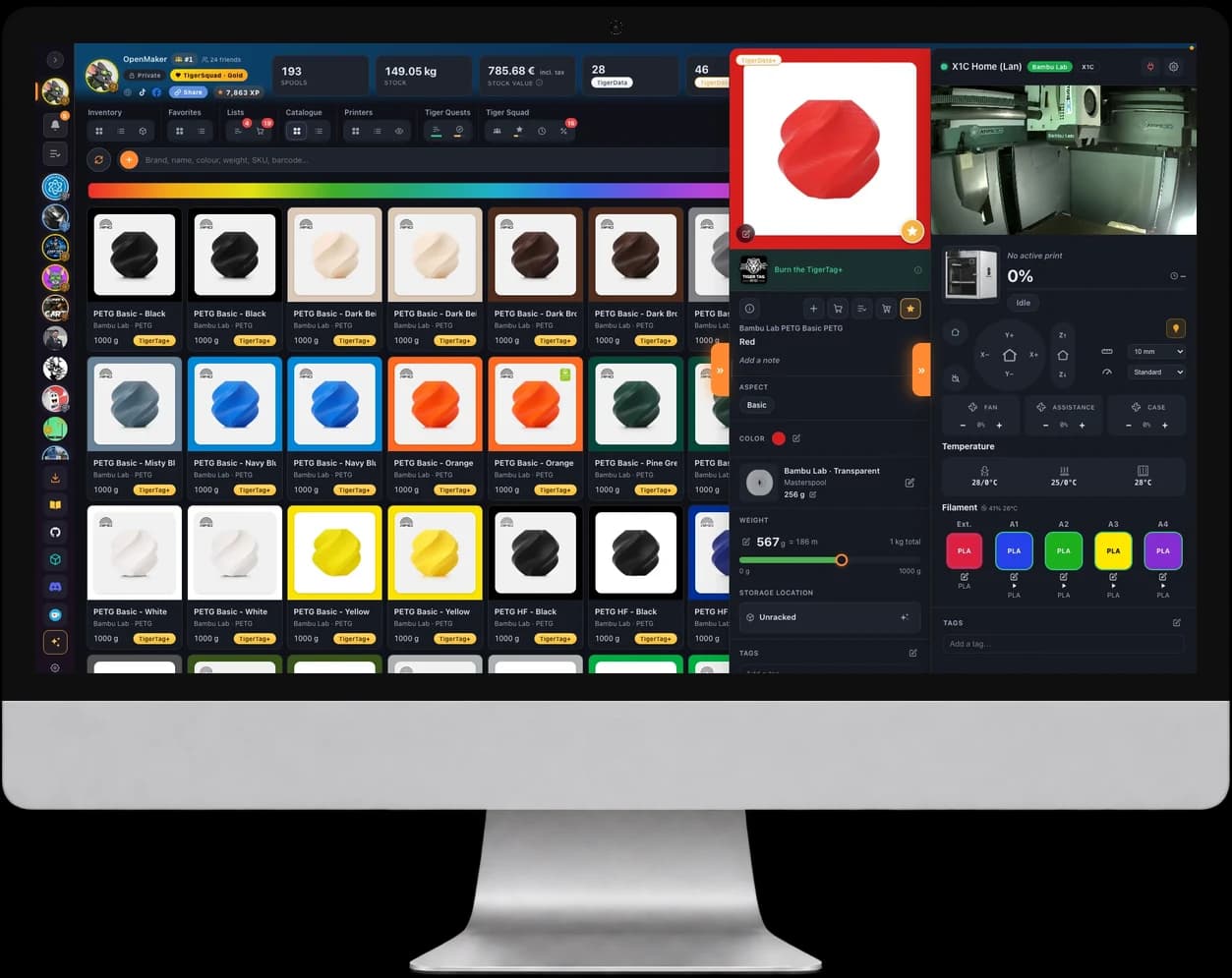
Free. No subscription. Works offline. Nothing locked in.
Get Tiger Studio Manager 2 on your desktop, and the app on your phone.