Guide
Add an NFC tag to any filament spool
Any spool can become smart: a blank NTAG sticker, a free app, two minutes. Here's the whole process — no soldering, no subscription, nothing brand-specific.
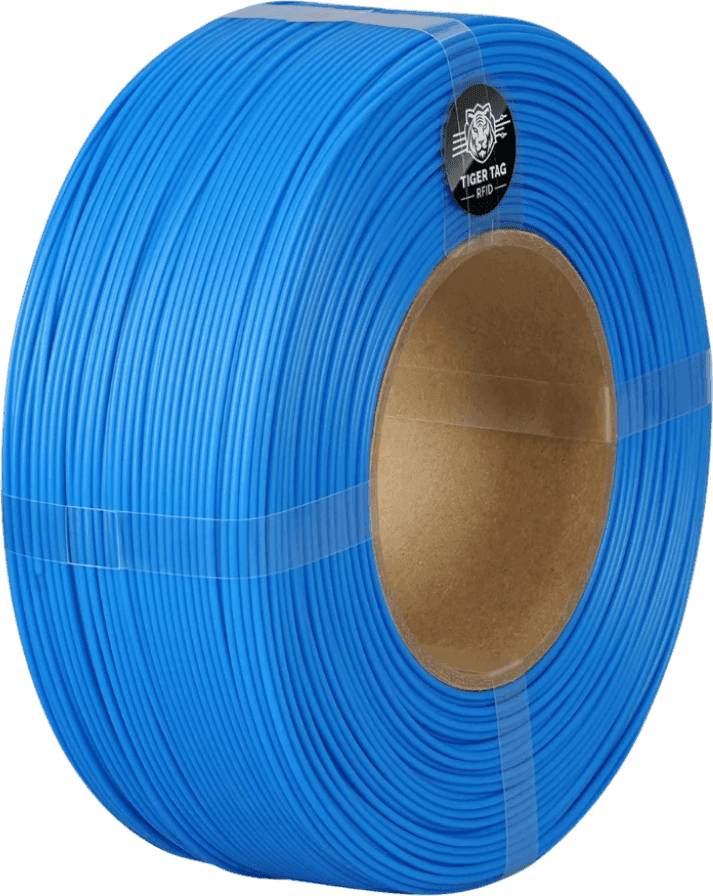
What you need
A blank NTAG sticker
NTAG 213, 215 or 216 — a commodity sold everywhere, for cents. Stickers or cards both work.
A way to write it
Your phone. Tiger NFC Connect writes a chip with the phone's own NFC — free, nothing to buy. On a computer, Tiger Studio does it with any ACR122U-compatible reader, and a TigerPOD writes both twin chips at once.
The free apps
Tiger NFC Connect on your phone, Tiger Studio on Windows, macOS or Linux. They carry the public catalogue you pick your filament from before writing the chip.
Four steps, two minutes
- 1
Get blank chips
Order NTAG 213 stickers from any electronics shop. While you wait: chips already on partner-brand spools can be reused too — they're erasable.
- 2
Pick the product
In the app, find your filament in the catalogue — real settings, colour and datasheets come with it. Not listed? Type it by hand; the chip carries whatever you write.
- 3
Write the chip
Hold the chip against your phone and tap Write — a second, done. On a computer it's the same gesture with a reader, and two readers on a TigerPOD write the twin pair at once.
- 4
Stick it and tap
A flat spot on the spool, away from metal. Tap it with your phone — if the spool introduces itself, you're done. Forever.
Good to know
Chips are erasable, infinitely
A written chip is never spent. Rewrite it for the next spool, or turn it into a plain NFC tag for your smart home.
Partner chips can be recycled
Spools from partner brands already carry a chip — when the spool dies, that chip is yours to rewrite.
Two chips beat one
Twin chips — same data, both sides — mean the reader always finds one without flipping the spool. The Pod writes both in one shot.
Quick answers
Does this work with any spool brand?
Yes — the chip doesn't care whose spool it's on. Cardboard, plastic, refill cores: if a sticker holds, it works.
Do I need to buy TigerTag-branded chips?
No. Any blank NTAG 213, 215 or 216 works — that's the point of an open standard. Branded packs exist for convenience, never as a requirement.
Can my phone write the chip?
Yes — Tiger NFC Connect reads AND writes a TigerTag with the phone's own NFC, free. A computer with a reader is the other way, handy for writing a batch or both twin chips at once.
What actually gets written?
The spool's identity: material, brand, colour, diameter, the maker's temperatures. Everything a printer or app needs, on the spool, offline.
What does it cost?
The chip — a commodity for cents. The apps, the protocol, the catalogue: free. No subscription anywhere.
Free. No subscription. Works offline. Nothing locked in.
Get Tiger Studio on your desktop, and the app on your phone.