A label for one spool
A spool's label is its TigerQR, a TigerQR+ when the spool comes from the catalogue, like TigerTag and TigerTag+. It is the link to that very spool: scan it and you land on your spool, not on a spool like it.
Tiger Studio · TigerQR · TigerQR+
Print a small label from Tiger Studio and stick it on any spool, any brand. Scan it with any phone, no app to install: your spool opens with its weight left, its temperatures and the shelf it lives on.
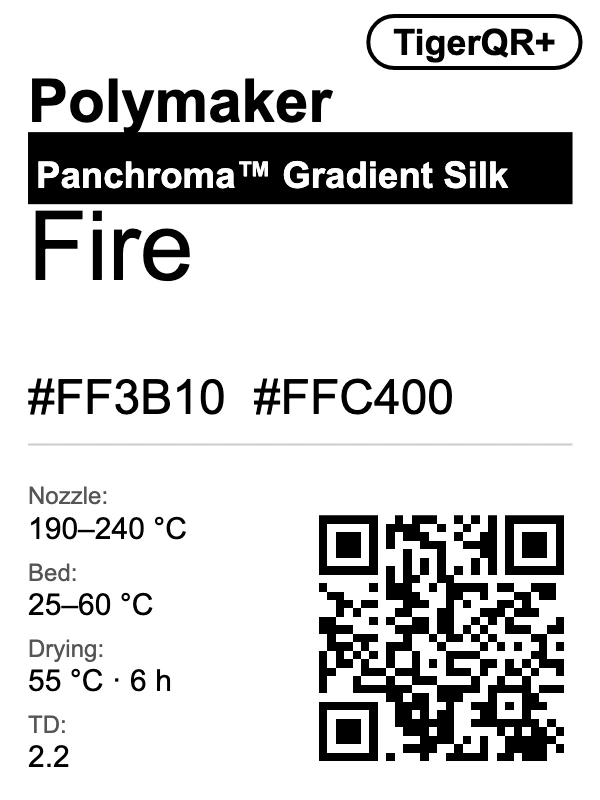
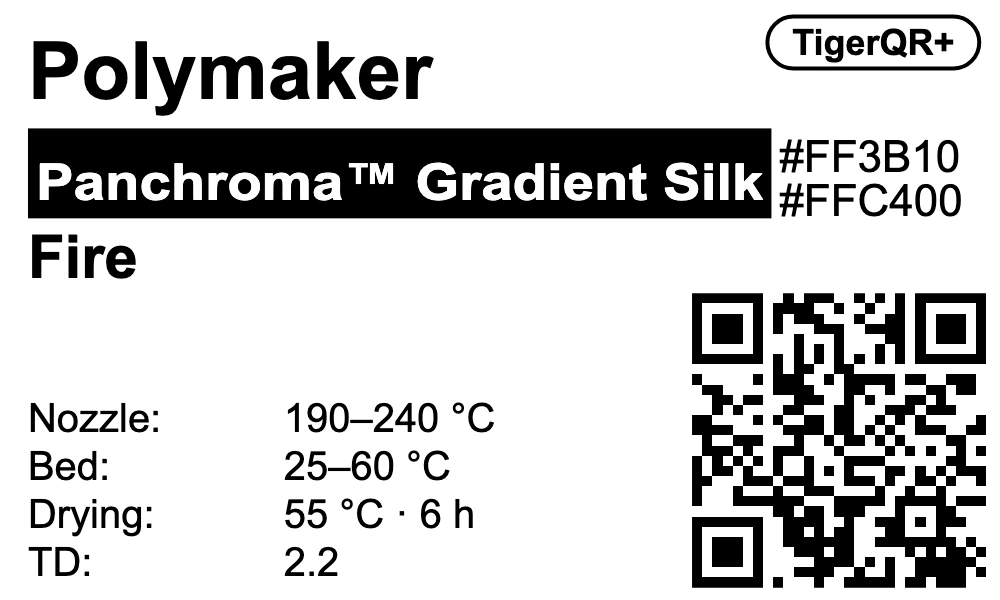
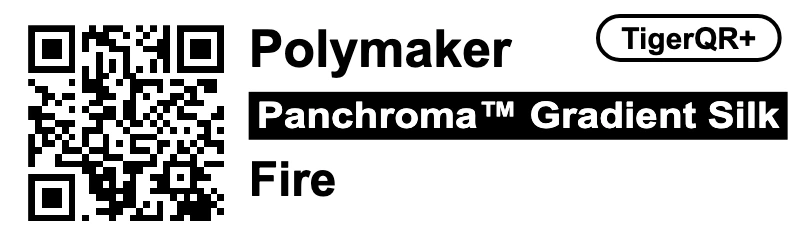
Scan a label with your phone to discover it.
One button, next to the star on a spool or a filament. The label carries what never changes; the scan brings what does.
A spool's label is its TigerQR, a TigerQR+ when the spool comes from the catalogue, like TigerTag and TigerTag+. It is the link to that very spool: scan it and you land on your spool, not on a spool like it.
A filament's TigerQR+ opens its product page in the catalogue: its sheet, its temperatures, where to buy it. Print one from the catalogue, or from the Swatch Card Label tab of a product.
Brand, series, colour name and hex codes, up to four values you pick (nozzle, bed, drying, TD, diameter). Nothing that changes: the weight left, the note and the shelf come at the scan. Six months later, the label still tells the truth.
Scan it signed in to your TigerSystem account and your spool opens, in Tiger Studio or on the web page: its weight left, its temperatures and its place on the shelf.
Anyone who scans sees whose spool it is, with their name and photo. The spool itself stays yours: someone else only sees the product, never your spool.
Scan your spool and change it right there: the weight left, the note, the container it sits on, or mark it empty. A QR can even carry a weight, like 640 g, ready to save. Only the owner can change a spool.
Classic 40×30, Wide 50×30, Compact 40×25, Slim 40×12, Slicer-friendly 40×30, three vertical ones at 30×40 and 25×40 mm, and QR only at 25×30 mm. Print it straight away, or save it as PDF, as PNG at 203 or 300 dpi for a thermal printer, or as SVG: in the desktop app or right in your browser.
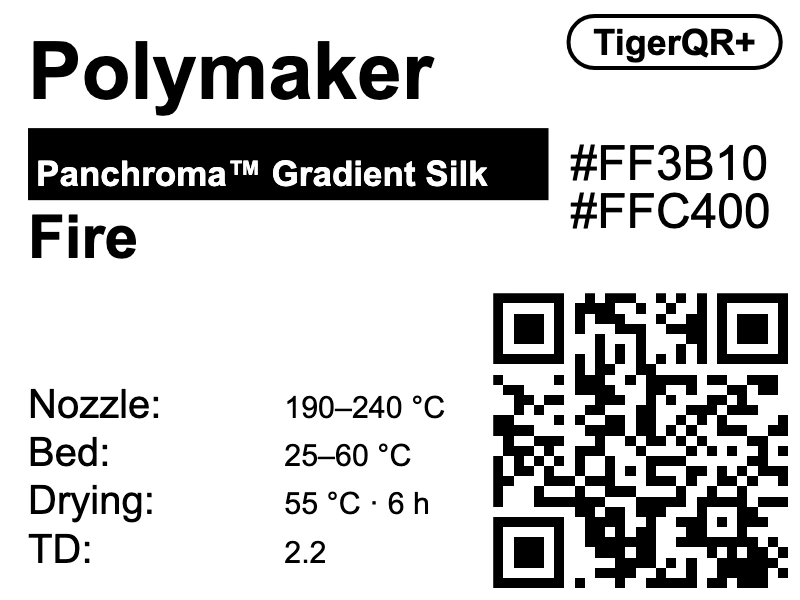
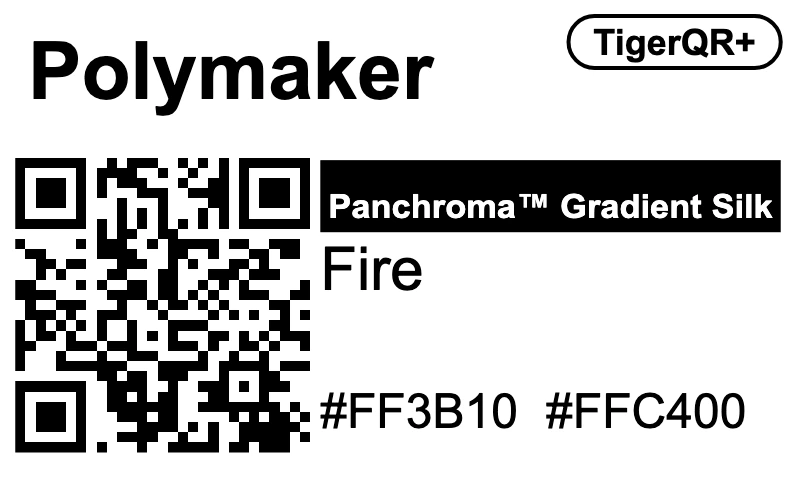
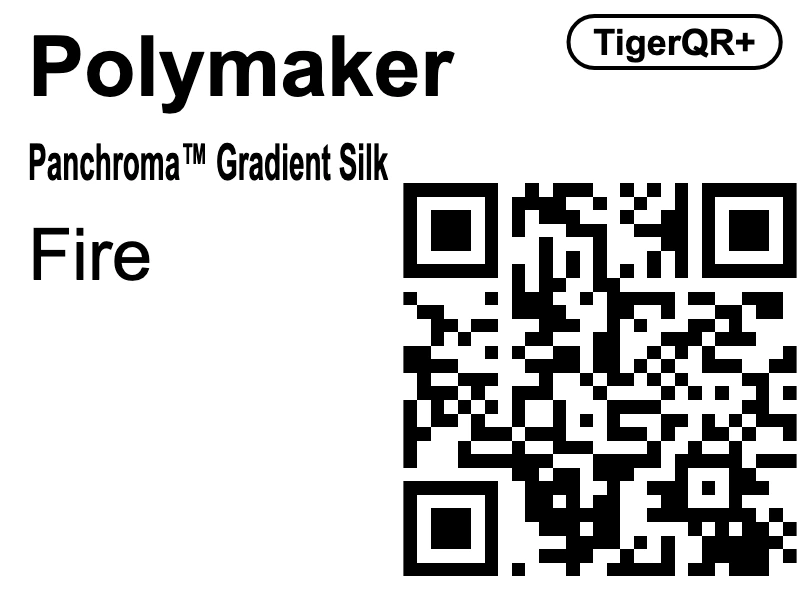
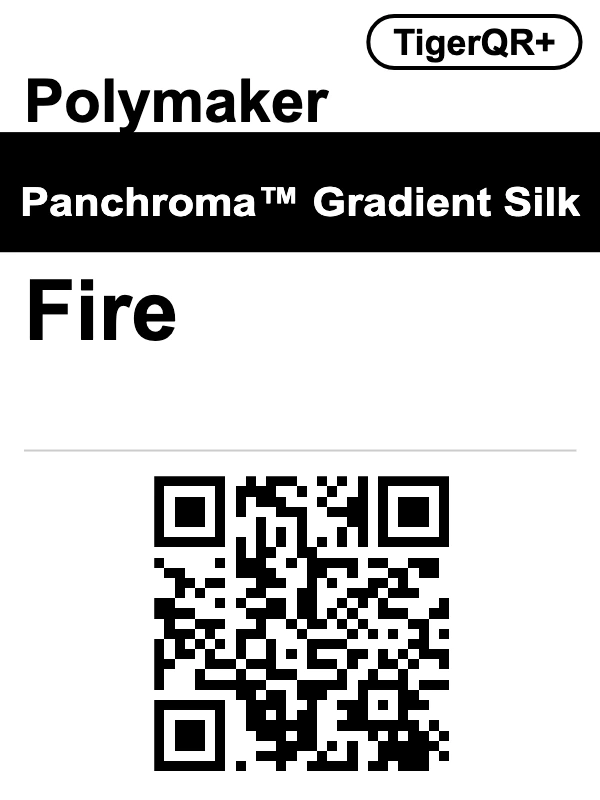
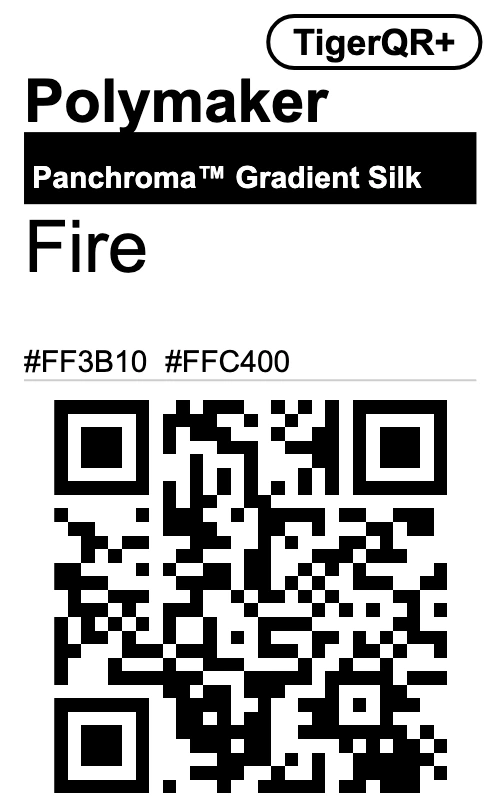
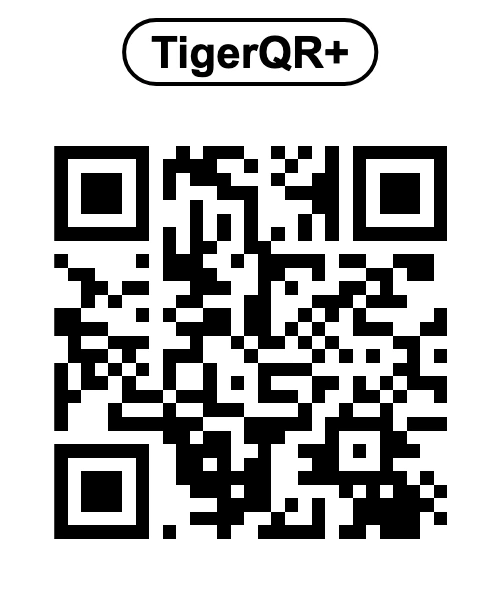
The code is drawn in whole printer dots, so it comes out crisp and scans easily, even on a small thermal label. The SVG goes into a layout program or a cutting machine.
Signed in to your TigerSystem account, the scan opens your spool on the web page: its photo, its container, the weight left with a slider to change it, its print settings with the TD, and one tap to open it in Tiger Studio.
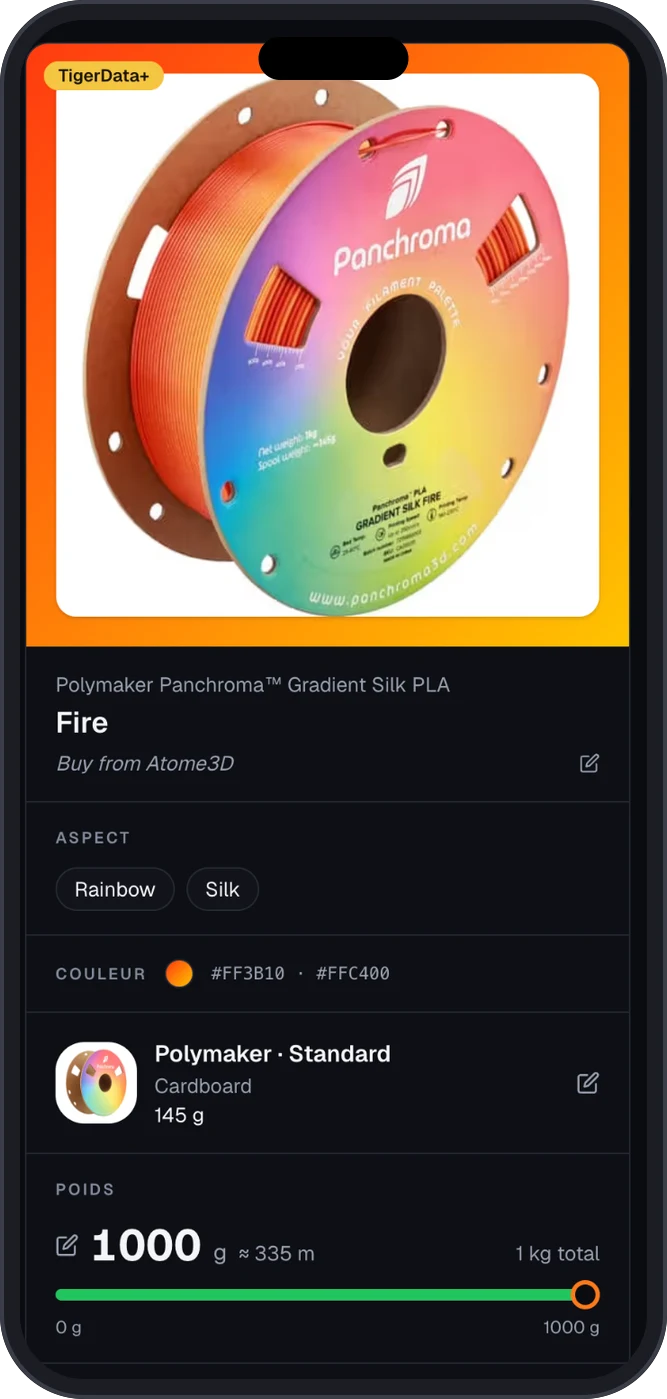
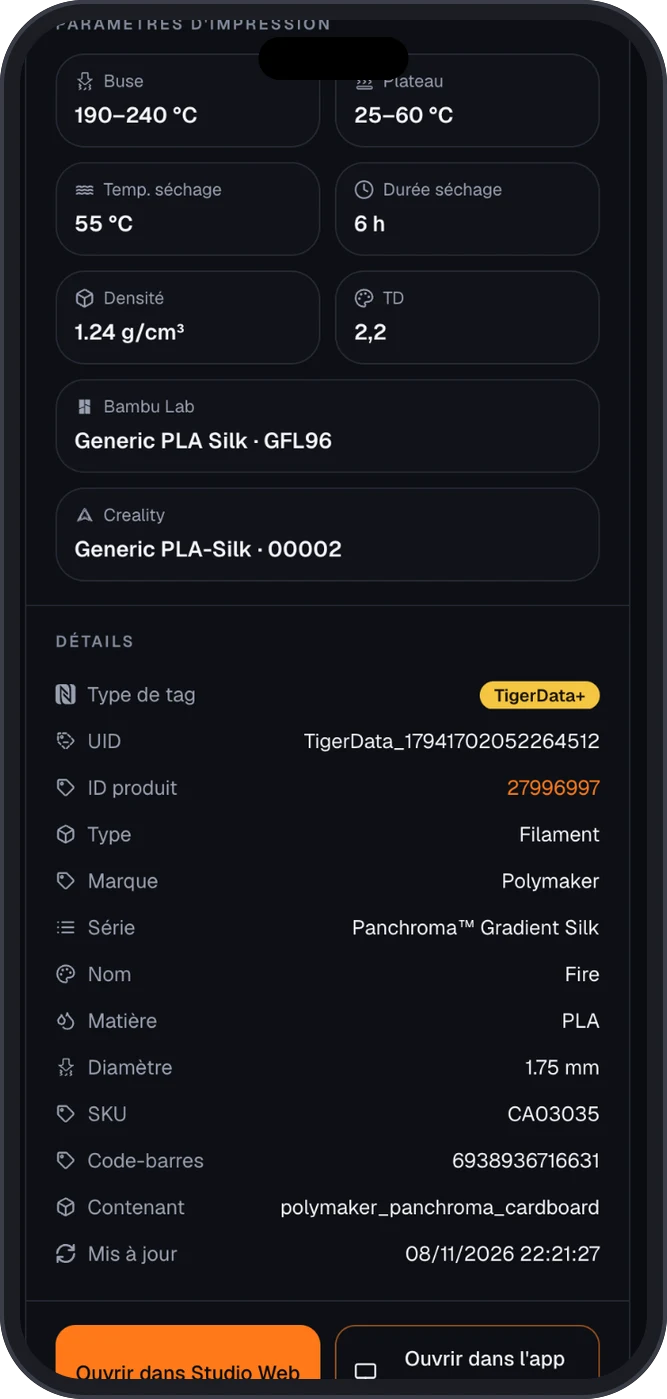
Six real shelves, six good reasons.
Forty refills, not one chip. A Classic 40×30 on each, and a scan in front of the printer gives the grams left without opening the computer.
Everyone shares the shelf. A stray spool gets scanned and you know whose it is.
A TigerQR+ on the shelf or on a sample: the customer scans and lands on the product page, with its sheet, its temperatures and where to buy it.
A Swatch Card Label on each printed swatch, and a scan opens the exact sheet of that colour.
40×30 or 50×30 labels: PNG at 203 or 300 dpi, or print it straight away, and the QR comes out sharp. A label that costs next to nothing.
Nozzle, bed and drying temperatures, readable on the spool itself. The Slicer-friendly template is made for exactly that.
Pick a brand, then a filament: its TigerQR+ in every format, as Tiger Studio prints it, ready to download at 203 or 300 dpi. The QR opens the filament's page on any phone.
TigerQR+ · qr.tigertag.io/p/2673739332 Product page →
Classic
40 × 30 mm
Wide
50 × 30 mm
Compact
40 × 25 mm
Slim
40 × 12 mm
Slicer-friendly
40 × 30 mm
Vertical
30 × 40 mm
Vertical bold
30 × 40 mm
Vertical compact
25 × 40 mm
QR only
25 × 30 mm
The PNG is drawn at the printer's dots, so every QR module stays sharp. For a spool of your own, Tiger Studio prints the Spool Label, whose QR opens your spool.
Every TigerQR and TigerTag label points to qr.tigertag.io. The path says what it is: a spool with a chip, a spool without one, or a catalogue product. Type an id or paste a link to get the short link, its QR code and its files.
Examples
Links are printed lowercase and read in any case. Add .json for the data or .ttag for the file, and build your own interface on top.
Short link
qr.tigertag.io/p/2673739332Public: the page, .json (the product's data) and .ttag (its file) open for everyone, no sign-in.
Print its TigerQR+ label →/<14 hex>The chip's UID in hex, TigerTag or TigerTag+. The twin chip's UID opens the same spool.
Its owner, signed in
Their spool: page, .json, .ttag
Anyone else
The product and the owner's name; .json and .ttag lead to the product's
/<10 or 17 digits>A TigerData or TigerData+ id, without its TigerData_ prefix. The long form opens too.
Its owner, signed in
Their spool: page, .json, .ttag
Anyone else
The product and the owner's name; .json and .ttag lead to the product's
/p/<10 digits>The id_product in decimal, always 10 digits with leading zeros. Labels printed with 8 hex characters still open.
Everyone, no sign-in
The catalogue product: page, .json, .ttag
No. A printed label is enough to bring any spool, any brand, into Tiger Studio. A spool that gets a chip later still opens from its label.
No. Print the label on any printer or save it as PDF, from the desktop app or from Tiger Studio Web in your browser. A thermal label printer gets a PNG at 203 or 300 dpi, its own resolutions, and an SVG goes into a layout program or a cutting machine.
To you, signed in to your TigerSystem account: your spool, with its weight left, its temperatures, its rack and its slot, in Tiger Studio or on the web page. To anyone else: the product, and whose spool it is.
No. Someone else who scans it sees the product and your name and photo, so a lost spool can find its way home. Knowing a link never shows anyone's spool, and only you can change it.
No. It carries only what never changes: brand, series, colour and the values you pick. The weight left, the note and the shelf are read at the scan, always up to date.
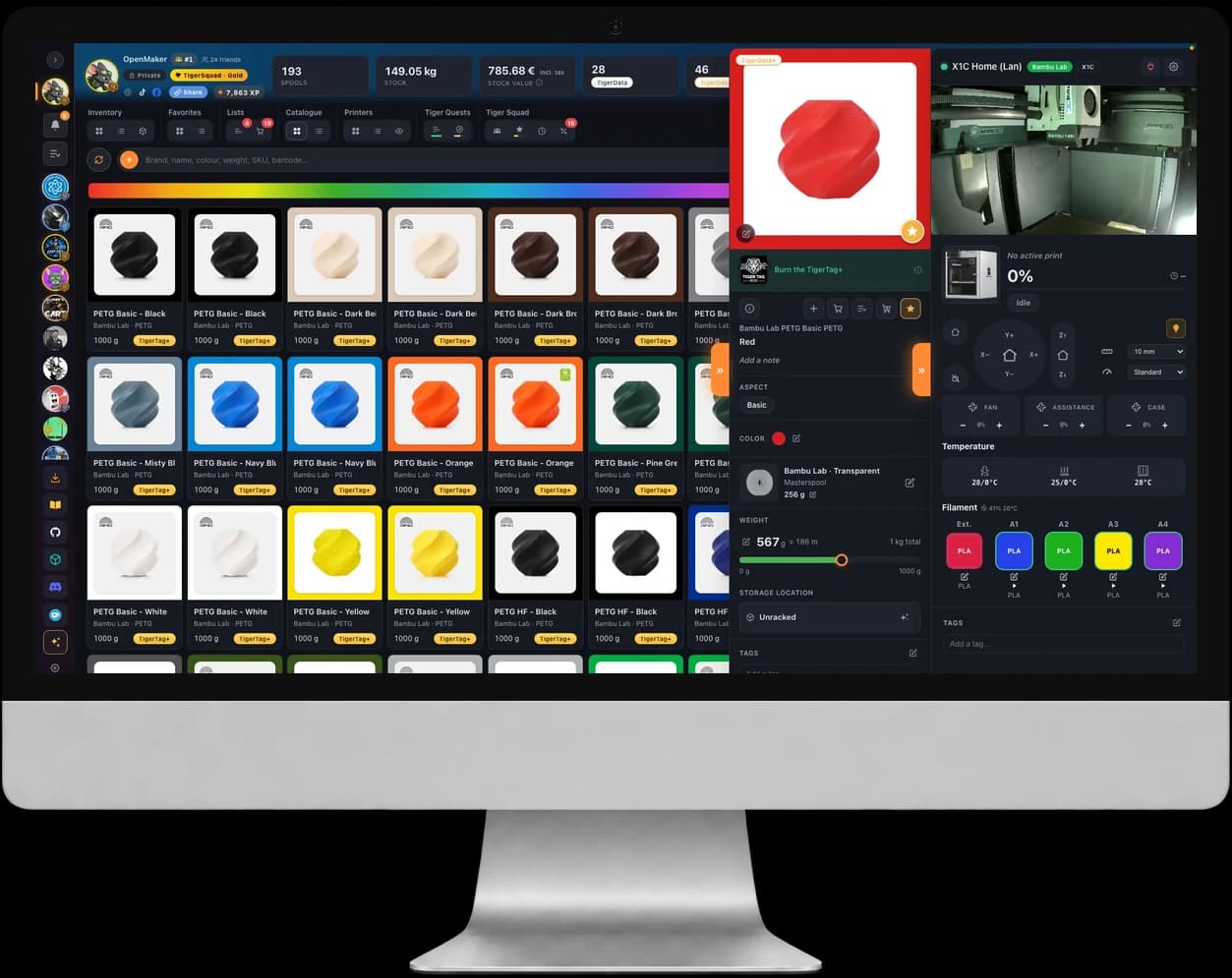
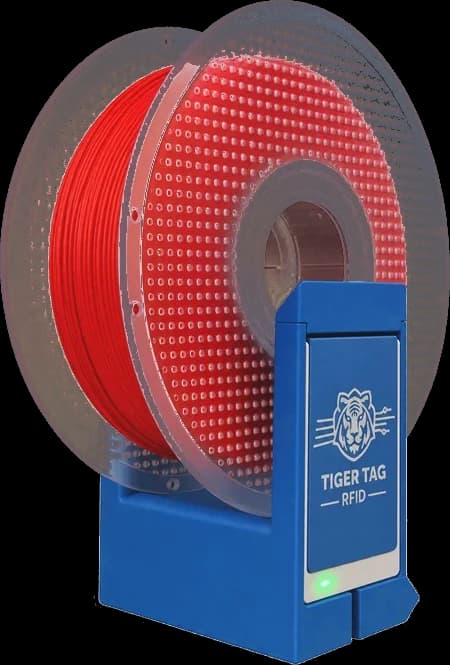
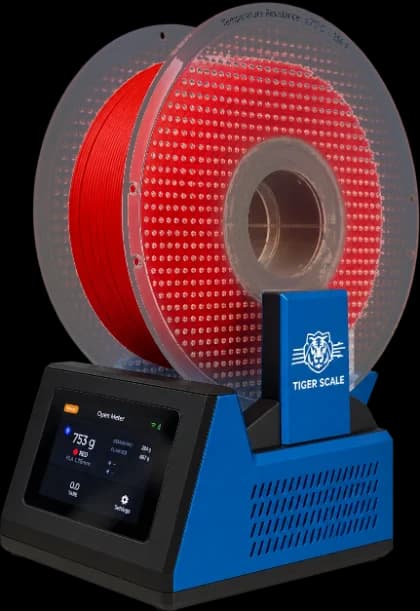
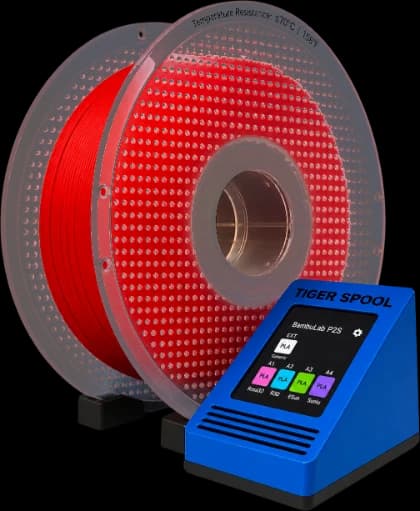
Free in Tiger Studio Manager 2 on Windows, macOS and Linux. One button next to the star, and every spool gets its QR.
Download Tiger Studio Manager 2


