On the computer
In Tiger Studio Manager 2 on Windows, macOS and Linux, open the TD1S window, slide the filament in and save its TD and its colour on the spool.
TD1S · HueForge
Plug an AJAX TD1S into your computer or your phone and slide the filament through: its TD and its colour go onto the spool, ready for HueForge, and onto its TigerTag chip.
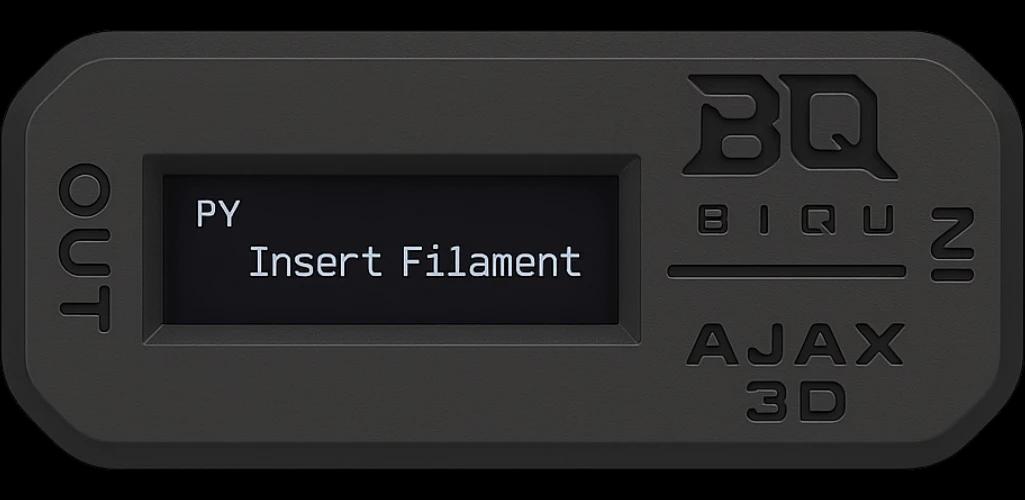
TD is the transmission distance HueForge uses: how far light goes through a filament. The TD1S measures it; Tiger keeps it where you need it.
In Tiger Studio Manager 2 on Windows, macOS and Linux, open the TD1S window, slide the filament in and save its TD and its colour on the spool.
In Tiger NFC Connect on Android and iPhone, the TD1S plugs into the phone's USB port. Create a TigerTag and the measured colour and TD fill themselves in.
TigerTag and TigerTag+ chips carry the TD, and so do TigerData and TigerData+ spools, the ones without a chip. It travels in .ttag files and JSON exports too.
The TD is saved on the spool in your inventory. Scan a chip that carries one and the spool picks it up by itself.
A QR label from Tiger Studio prints the spool's TD next to its temperatures, and Tiger Studio shows it as a badge on products and materials.
The tester shows the colour and the TD live and saves nothing: handy to compare two spools side by side.
Measure a spool once and its TD stays with it: on the spool's page, on its QR label, and on its chip the next time the chip is written. HueForge asks for it; you already have it.
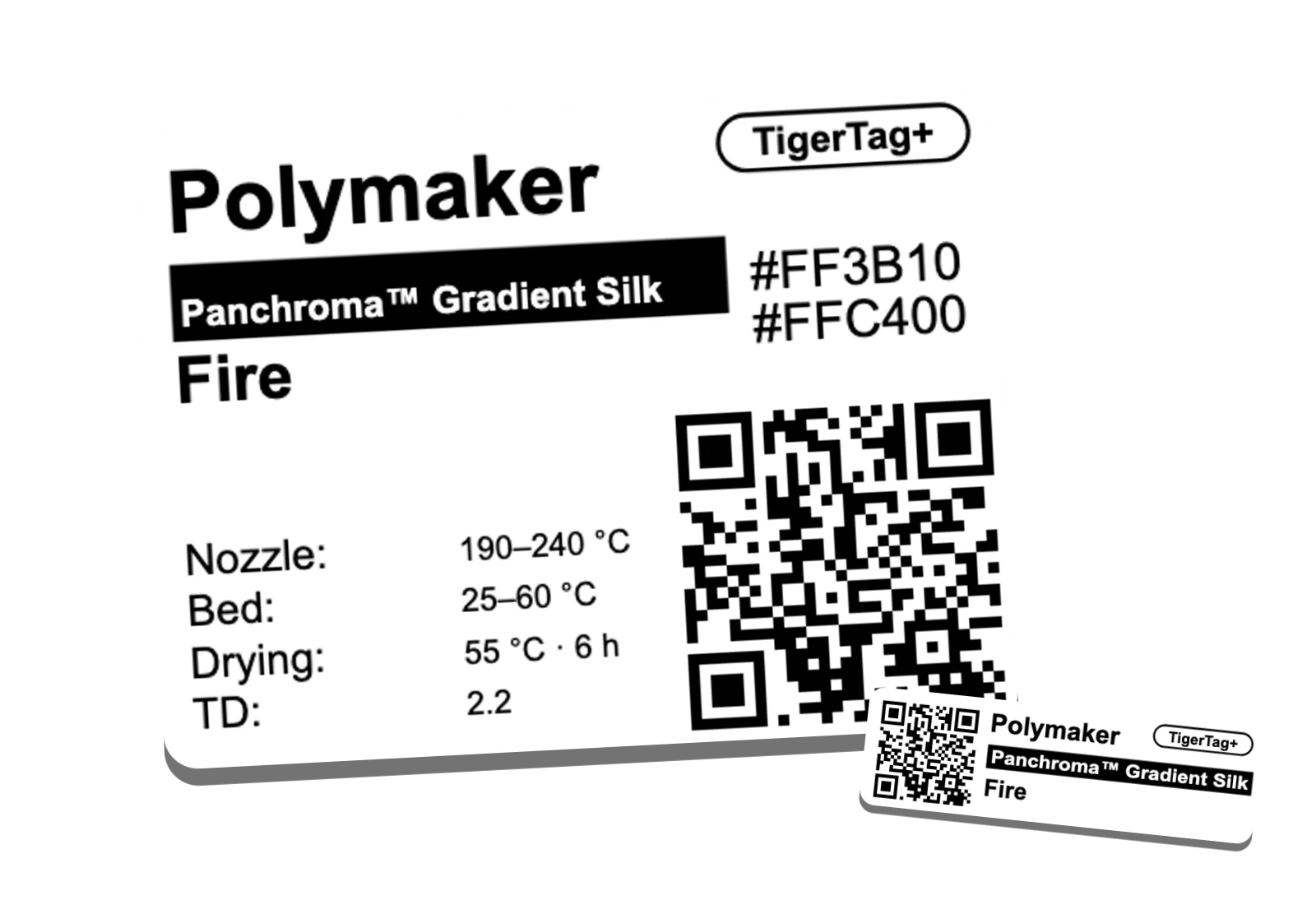
TigerTag is the only NFC chip format the TD1S by AJAX reads and writes natively. The TD sits in its own field, so a spool tells its TD to any reader, with no internet.
The transmission distance HueForge uses: how far light passes through a filament before it is blocked. The higher it is, the more see-through the filament.
No: Tiger Studio Web cannot talk to a TD1S. Use Tiger Studio Manager 2 on your computer, or Tiger NFC Connect on your phone. In Tiger Studio Web you can still type a TD on a spool by hand.
Android 8 or later, on a phone whose USB port can host a device (USB OTG). On iPhone, through the USB-C port, or a Lightning to USB adapter on older models.
On the spool in your inventory, whatever its kind: TigerTag, TigerTag+, TigerData or TigerData+. A chip gets it when the chip is written, and it goes along in .ttag files and JSON exports.
No. You can type a TD by hand on any spool, in Tiger Studio or Tiger Studio Web. The TD1S measures it for you, with the colour.
Tiger Studio Manager 2 is free on Windows, macOS and Linux, and Tiger NFC Connect on Android and iPhone.
Download Tiger Studio Manager 2