← Every compatible printer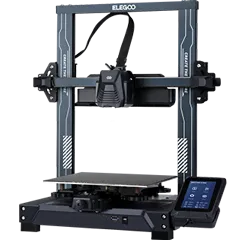
Klipper · Works with TigerTag
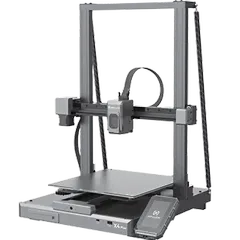
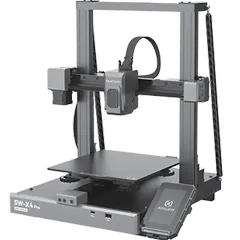
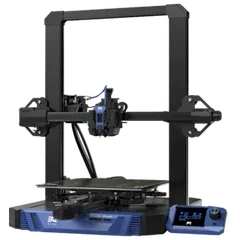
Elegoo Neptune 4 Pro
Tiger Studio Manager 2 connects to the Elegoo Neptune 4 Pro through its Klipper connection: you see it live on one screen with your other printers, right next to your filament inventory.
Download Tiger Studio Manager 2How it works
- 1
Add it in Tiger Studio Manager 2
Free on Windows, macOS and Linux. Pick Klipper, find the Elegoo Neptune 4 Pro, connect.
- 2
Tap your spools
A TigerTag chip tells Tiger NFC Connect or a TigerPOD the brand, material, colour and print settings. Nothing to type.
- 3
Print, knowing what's on the shelf
Your inventory and the printer's live state, side by side. Your free TigerSystem account keeps it in step on every device.